













Everything you need to manage your restaurant's menu digitally
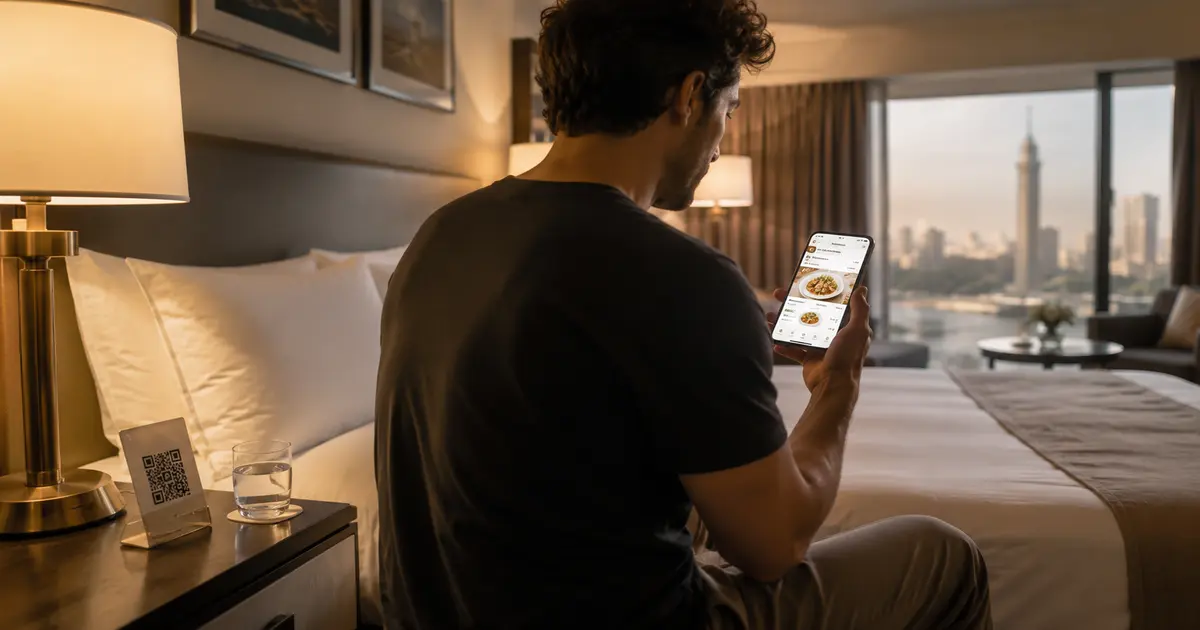
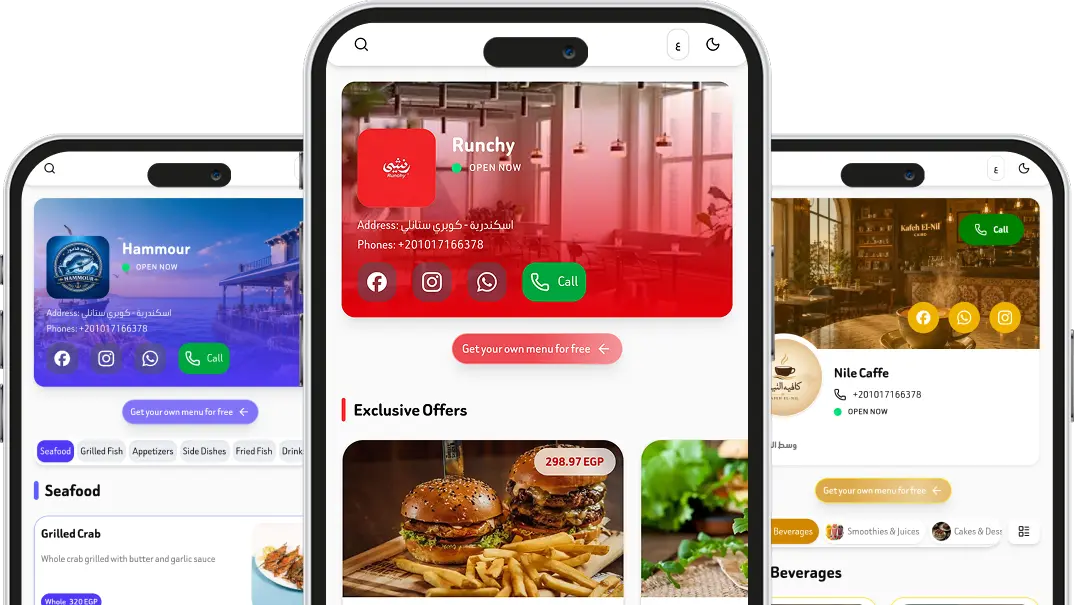
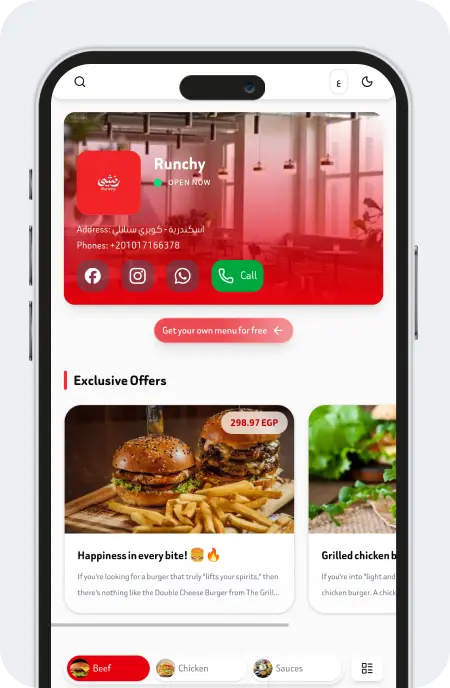
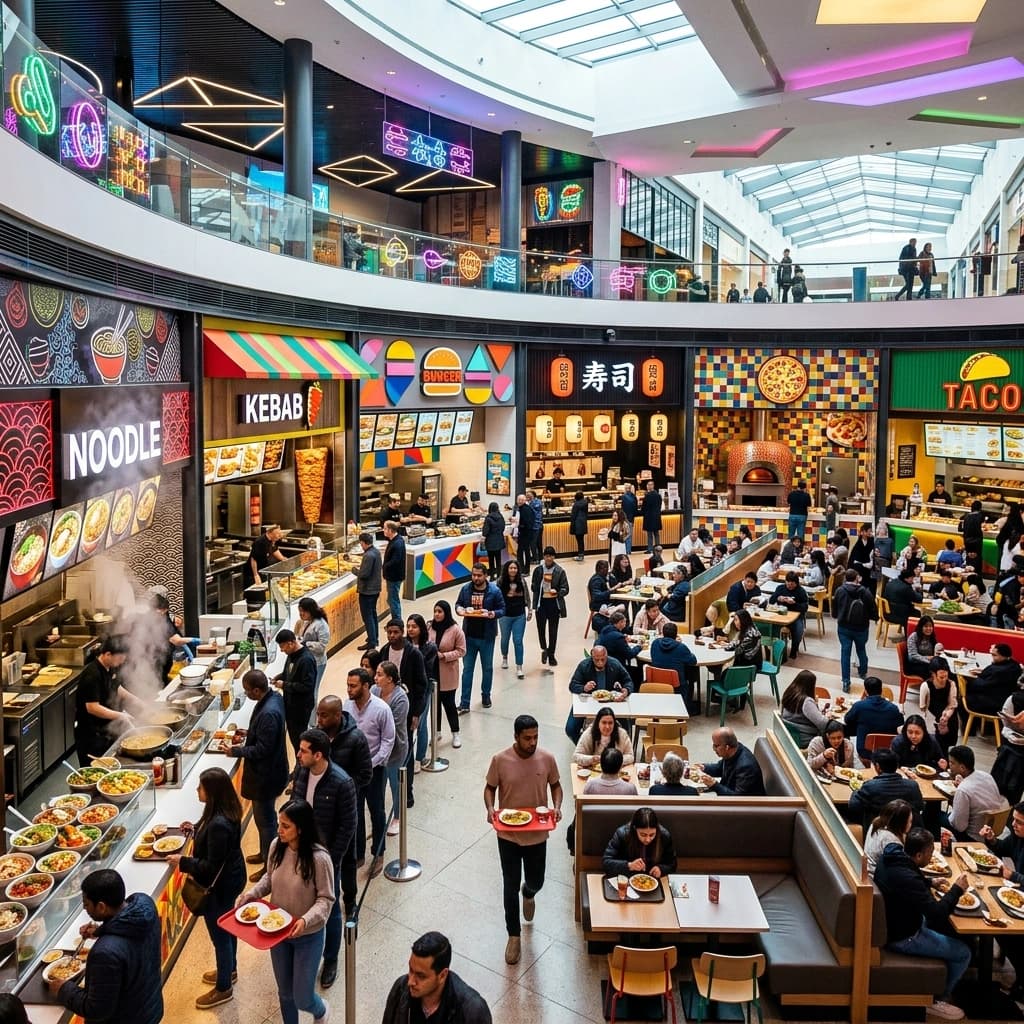
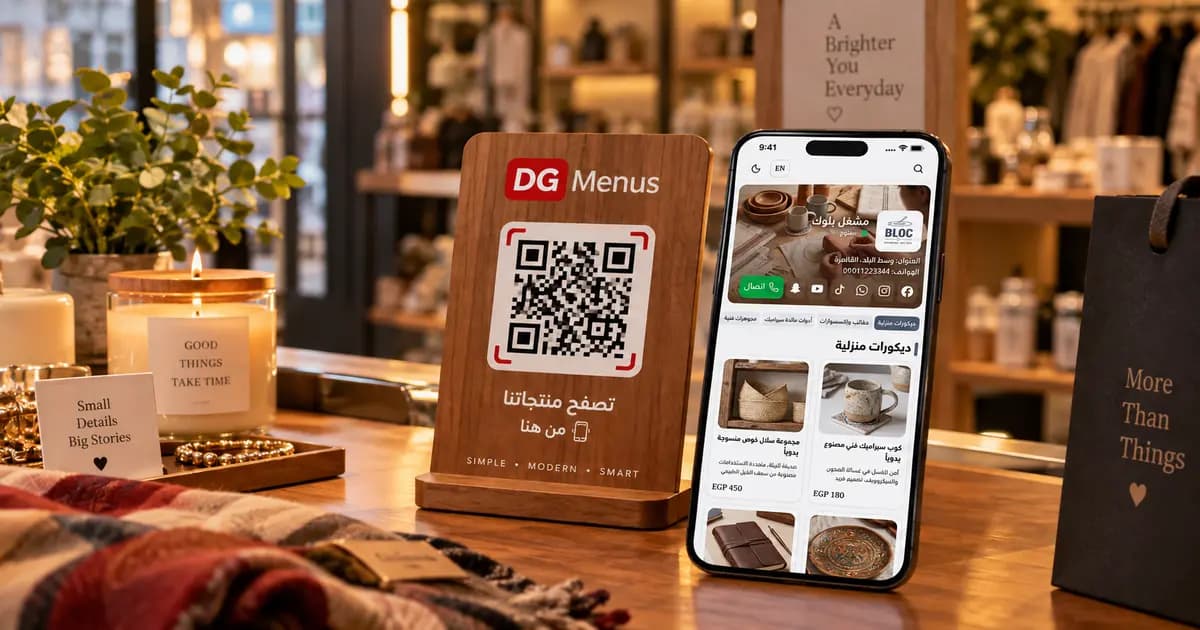
Transform your customer experience into a modern digital one. A QR menu allows your customers to easily browse the menu on their phones, with the ability to update items and prices at any time from a simple and easy-to-use control panel.


Menu Management
Easily add, edit, and delete menu items through a simple and user-friendly dashboard.

Theme Selection
Choose from a range of ready-made themes to suit your restaurant's identity and give the menu a professional look.

QR Code Generation
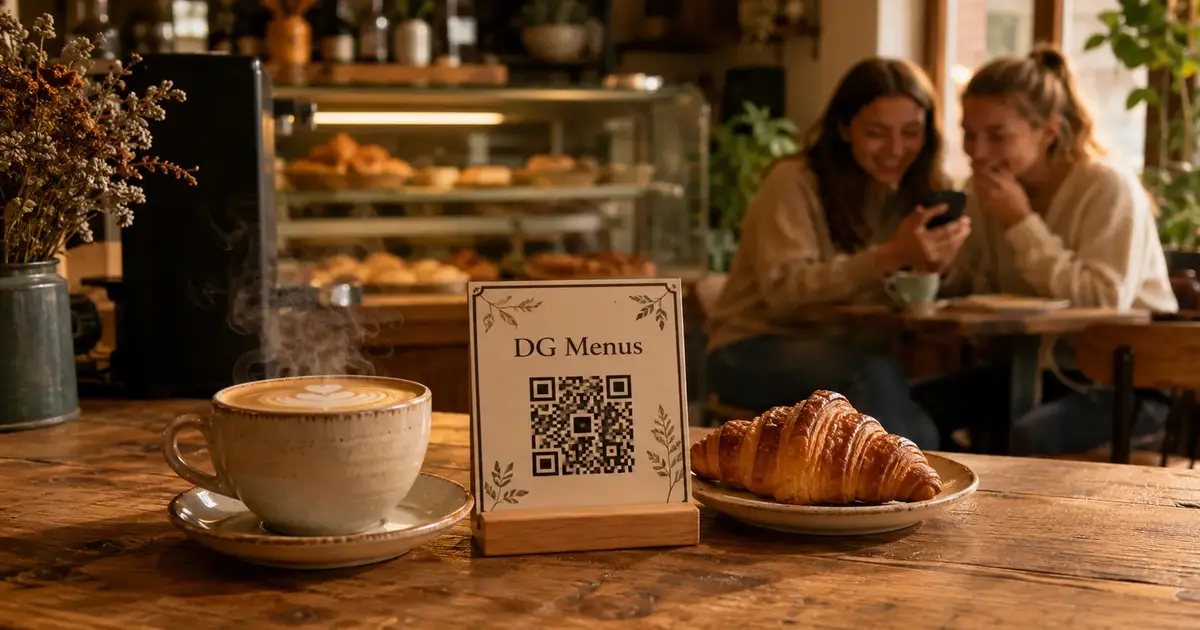
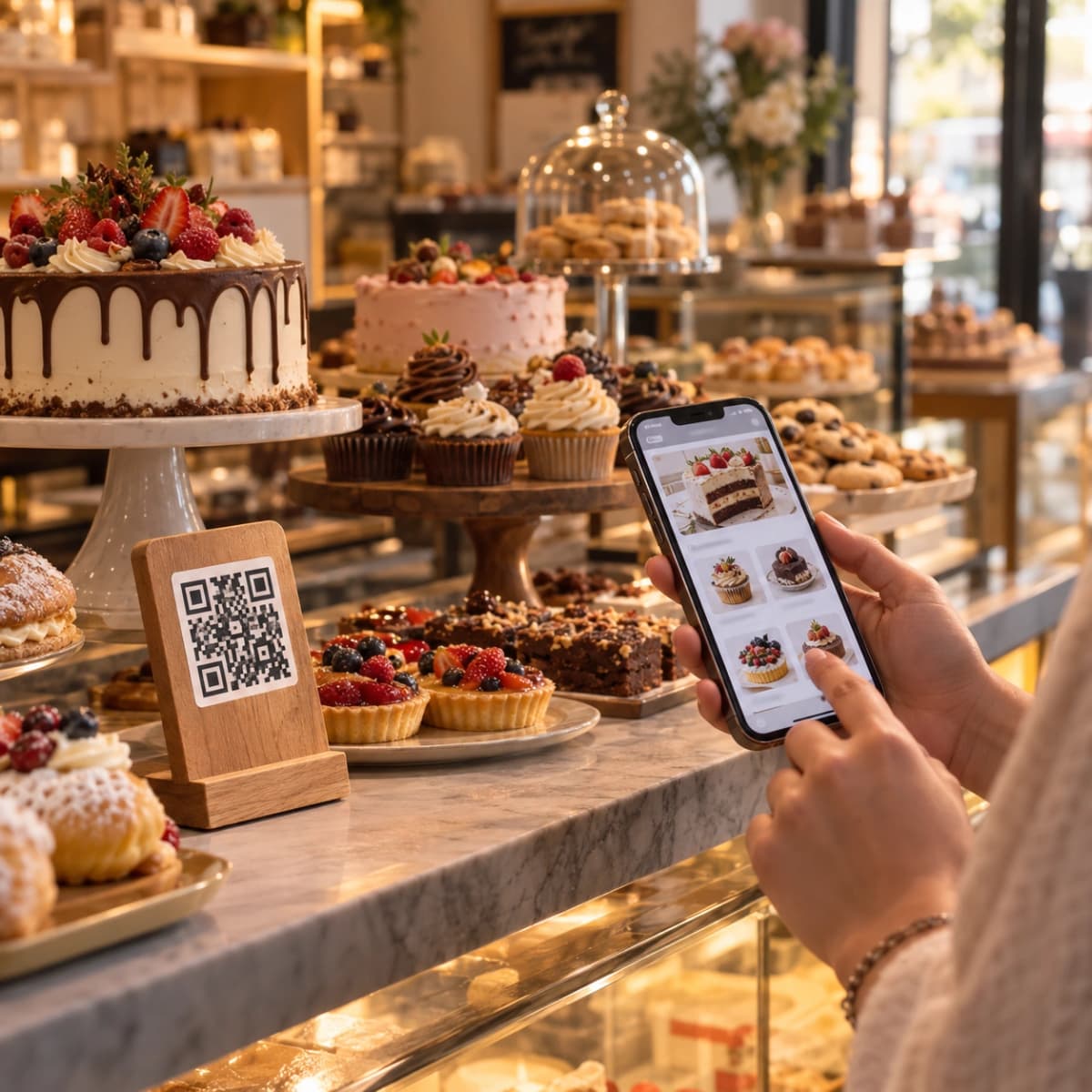
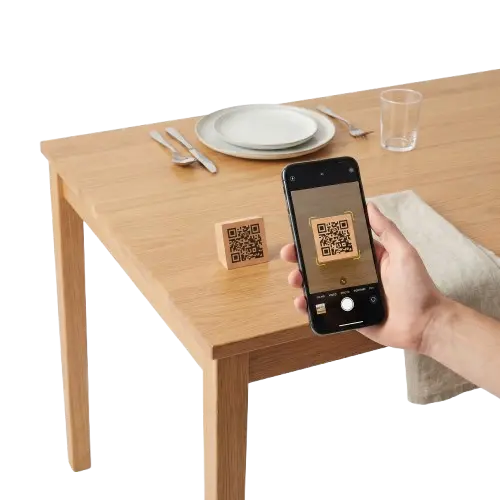
Create a QR code for your restaurant so customers can instantly open the menu via their phones.

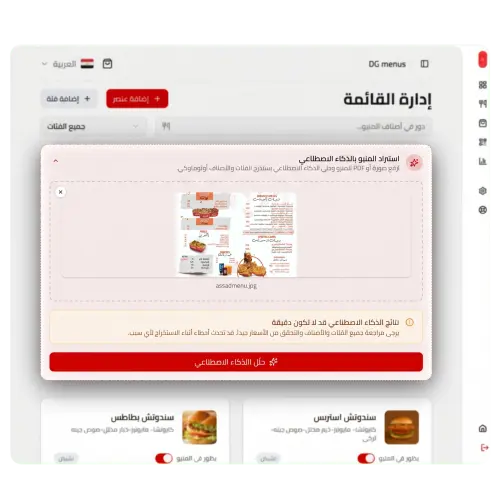
AI Data Entry
Upload a PDF file or image and the system will analyze its content and automatically convert it into a digital food menu.
Get your digital menu up and running in minutes with our simple three-step process.
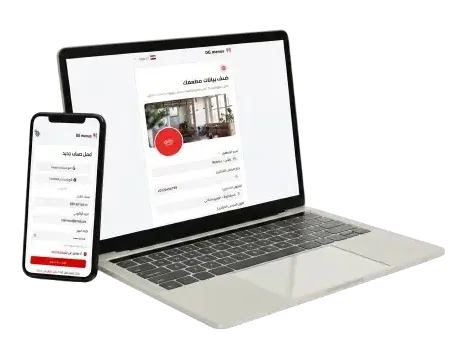
1. Create a new account
Add your restaurant details and create your account.
2. Add your menu
You can add all your menu items by uploading a PDF file or image, and the AI will add the entire menu with one click.
3. Generate & Share QR Code
Generate a QR code, print it, and place it on your tables for customers to scan.
Everything you need to know about digital menus
Answers to the most common questions about using digital menus.
Contact us
Got a technical issue? Want to send feedback about a beta feature? Need details about our Business plan? Let us know.