
Barcode Menu for Restaurants and Cafés — Everything You Need to Know
The complete guide to barcode menus for restaurants and cafés: how they work, the difference between a barcode and QR code, and how to activate QR food ordering with WhatsApp order receiving for any type of venue.
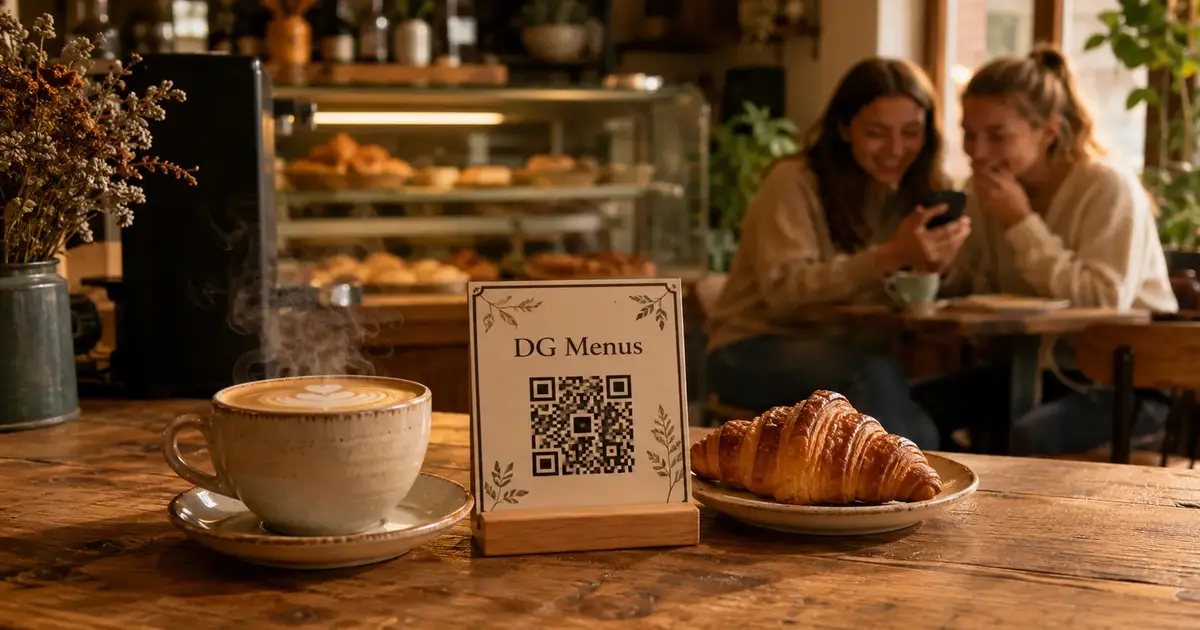
Barcode Menu for Restaurants and Cafés — The Complete Guide
When people say "barcode menu" in the context of restaurants and cafés, they almost always mean the same thing: a small code you scan with your phone camera that opens a digital menu instantly. Whether you run a full-service restaurant or a neighborhood café — or you're researching for either — a barcode menu for restaurants and cafés has become an operational essential in 2026.
This guide covers everything: the difference between a barcode and a QR code, why restaurants and cafés each benefit in slightly different ways, and how to activate QR food ordering with WhatsApp order receiving for any type of venue.
Barcode vs. QR Code — Is There a Difference?
A common question, and worth answering clearly.
A traditional barcode (the vertical lines you see on supermarket products) stores a single piece of simple data — like a product number or price. It's designed for inventory systems, not customer-facing menus.
A QR code (the square dotted pattern) can store significantly more data — including a full website URL. This is what's used in digital menus.
When people say "barcode menu" in a restaurant context, they almost always mean a QR code. The two terms have become interchangeable in everyday use. The intended meaning is the same: scan the code, see the menu.
Restaurants and Cafés — Different Needs, Same Solution
A barcode menu for restaurants and a barcode menu for cafés run on the same technology — but each type of venue has slightly different priorities.
What Restaurants Need from a Digital Menu
- Long, structured menus: Starters, salads, mains, desserts, drinks — clear organization is essential
- Seasonal changes: Ramadan dishes, daily specials, removing items that run out
- Order detail: Quantities, customizations ("no onions," "well done"), table numbers
- WhatsApp order receiving to reduce pressure on staff during peak service
What Cafés Need from a Digital Menu
- Shorter but frequently changing menus: Seasonal drinks, coffee of the day, daily offers
- Fast updates: A café might change its morning special every day
- Visually compelling photos: Cafés sell an aesthetic experience — drink and pastry photography matters enormously
- Fast self-ordering: Customers want to order quickly without waiting for staff attention
The good news: a single well-built barcode menu platform handles both use cases — as long as the platform is flexible enough.
Activating Digital Menu Orders — For Restaurants and Cafés
Activating digital menu orders works slightly differently depending on the type of venue:
In Restaurants
The order comes from the table directly to WhatsApp. A clear message includes the table number, items ordered, quantities, and total. Staff acknowledge and send it to the kitchen. No verbal miscommunication, no errors in transcription.
In Cafés
Two models work well:
- Counter ordering: The customer scans the code, selects their order, and approaches the counter already knowing exactly what they want — the barista prepares it without confusion
- Table service: If the café offers table service, orders arrive on WhatsApp just like a restaurant
In both cases, QR food ordering reduces wait times and improves the customer's experience from the first interaction.
Getting the Most from a Barcode Menu — By Venue Type
For Restaurants
Organize into clear sections: A customer browsing for the first time needs to find what they're looking for quickly. Clear, logical sections equal better experience and faster ordering.
Write real descriptions: "Grilled sea bass with lemon butter and fresh herbs" outperforms "grilled fish" every time. Good descriptions persuade. They also reduce the number of questions staff need to answer.
Activate WhatsApp order receiving during peak hours: If there's a specific service window when your team is most stretched, that's exactly when digital ordering delivers the most value.
For Cafés
Photography is everything: Cafés sell beauty as much as they sell coffee. A latte art photo with warm lighting sells the same drink far better than a text listing. Invest in at least a few quality phone shots.
Update the menu regularly: A "morning special" that changes weekly gives regular customers a reason to scan the code every visit to see what's new.
Add coffee detail: Origin, brew method, flavor notes, roast profile — café regulars want this information. It's also what separates a café that cares from one that doesn't.
The Most Common Barcode Menu Setups in Restaurants and Cafés
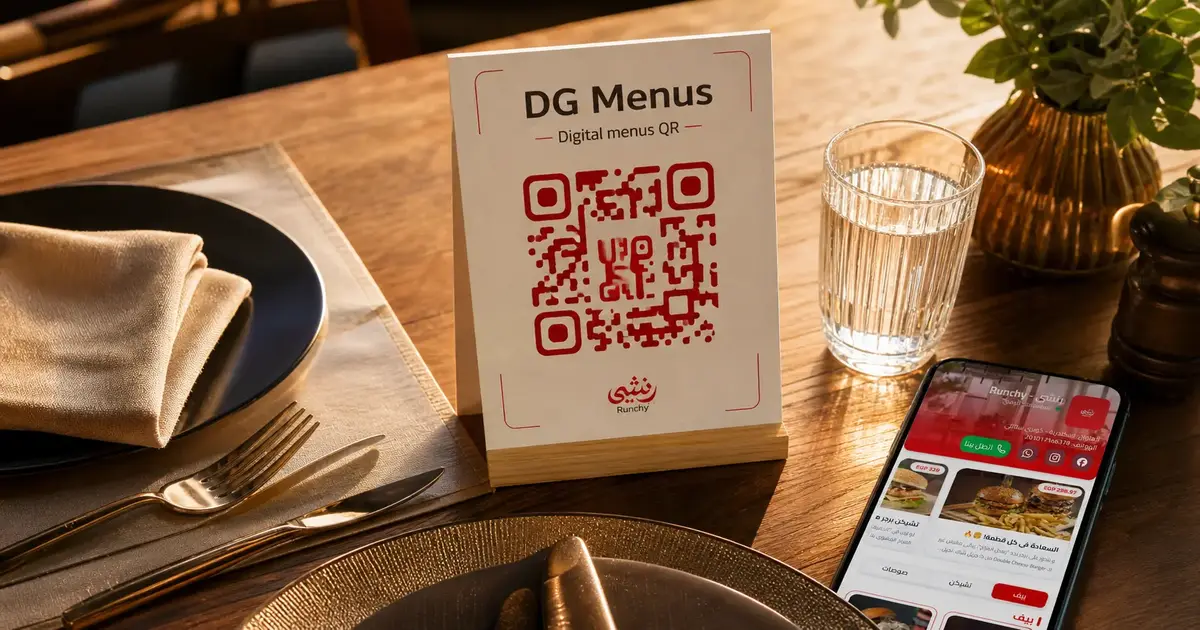
Classic Table Stand
A small stand in the center of each table with the QR code. The most widely used setup and appropriate for almost any venue type.
Table Sticker
A code printed directly onto a durable sticker adhered to the table surface. Practical and resilient — works well for high-traffic venues and outdoor seating.
On the Paper Menu
If you already use a physical menu, add the QR code to it with a line like "Scan for photos and full details." A hybrid approach that works well during a transition period.
At the Counter (Cafés)
A QR code display at the point of order — customers browse and decide before they reach the front of the queue, speeding up the entire service line.
At the Entrance
Some restaurants place a QR code at the host stand so waiting guests can browse the menu while they wait for a table. By the time they sit down, they already know what they want.
Frequently Asked Questions
Q: Does a barcode menu work on all phones?
A: Yes. Any modern smartphone with a camera can scan a QR code automatically through the native camera app. No additional app required.
Q: Can you set up different menus for lunch and dinner?
A: Yes. Most platforms let you create multiple menus and schedule which one is active at what time — no manual switching needed.
Q: I run a small café with no table service. Does a digital menu still make sense?
A: Absolutely. Customers scan the code, decide what they want, and approach the counter already decided. This speeds up service and eliminates misunderstandings at the point of order.
Q: How do you handle a customer who can't scan the code?
A: A staff member can assist in seconds — or a small backup paper menu covers the gap. In practice, 95%+ of customers scan without any help needed.
Q: Can the menu display in multiple languages at the same time?
A: Yes. A good digital menu platform supports multiple languages with a toggle — customers choose the language they prefer.
A Digital Menu Isn't a Luxury — It's an Operational Tool
In 2026, a barcode menu for restaurants and a barcode menu for cafés isn't a passing trend. It's a smart management tool that saves money, saves time, and delivers a better customer experience — simultaneously.
Whether you run a family restaurant, an independent café, or a multi-branch operation, the solution is the same and the first step is free.
Read Next
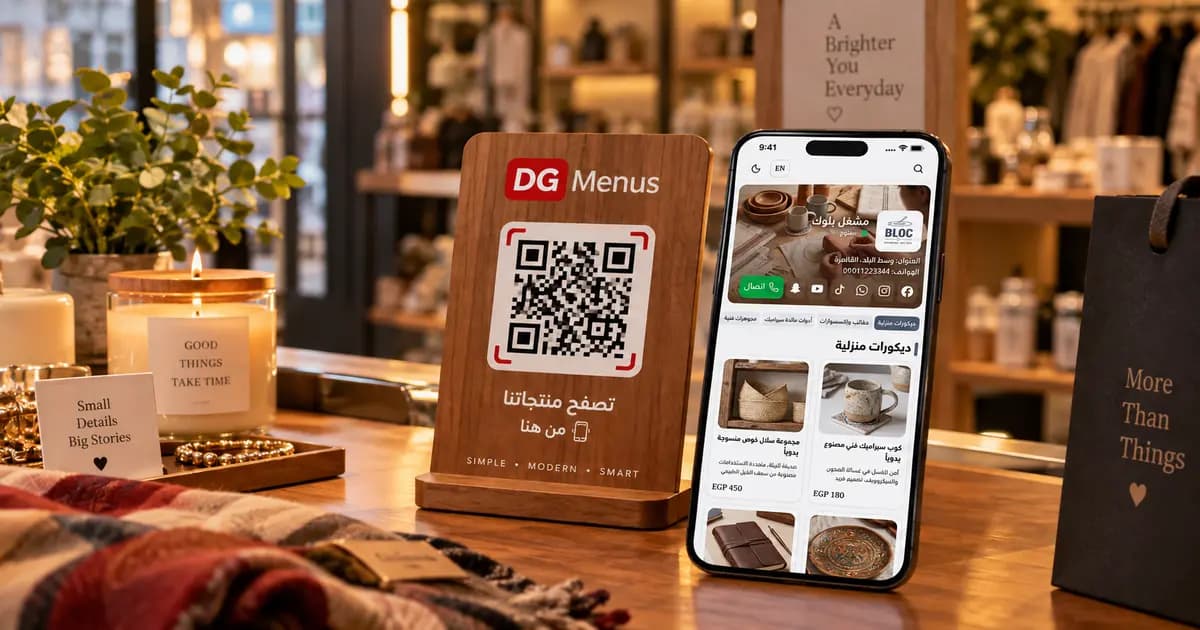
QR Menus Aren't Just for Restaurants: How Any Business Can Use One in 2026
The QR menu concept has grown far beyond restaurants and cafés. Learn how showrooms, home kitchens, dessert shops, and online stores can all use the same digital catalog idea.
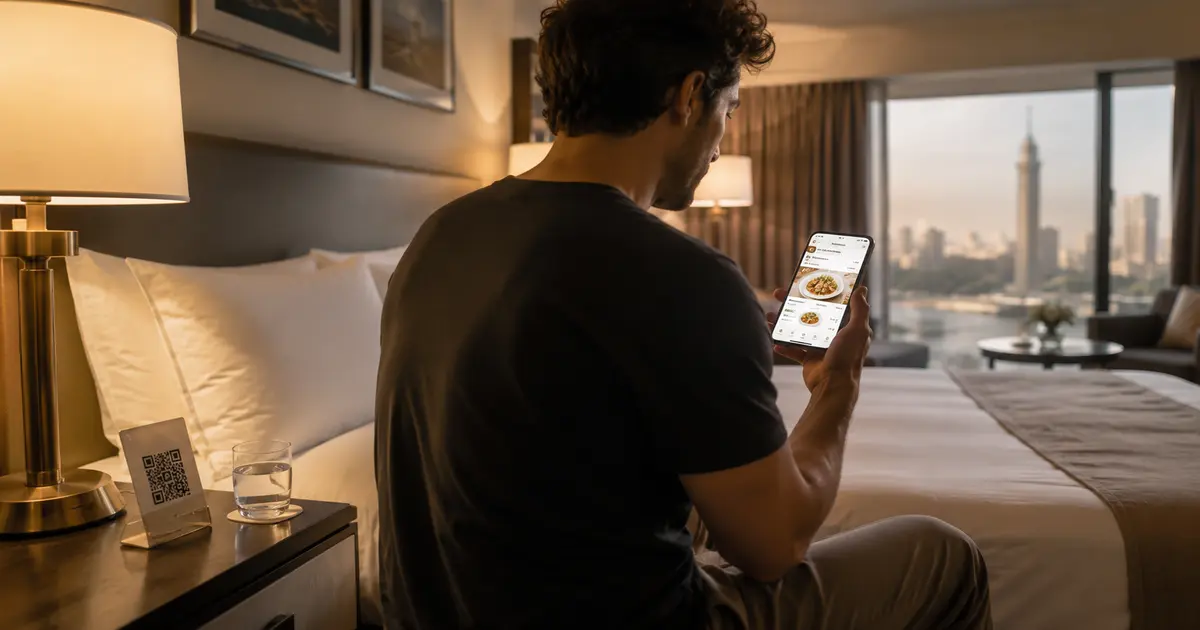
QR Menu for Hotels: Better Guest Experience and Lower Printing Costs
Discover how a hotel QR menu improves the guest experience and cuts printing costs. A complete guide to implementing a digital menu hotel solution across guest rooms, restaurants, and room service.
Why Your Restaurant Needs a QR Code Menu in 2026 (And How to Get Started)
Discover why a QR code menu has become the standard for modern restaurants — from post-COVID habits to real cost savings. Learn how a digital menu for restaurants boosts revenue and simplifies operations.