
QR Menus Aren't Just for Restaurants: How Any Business Can Use One in 2026
The QR menu concept has grown far beyond restaurants and cafés. Learn how showrooms, home kitchens, dessert shops, and online stores can all use the same digital catalog idea.
Why the "QR Menu" Idea Is Bigger Than Restaurants
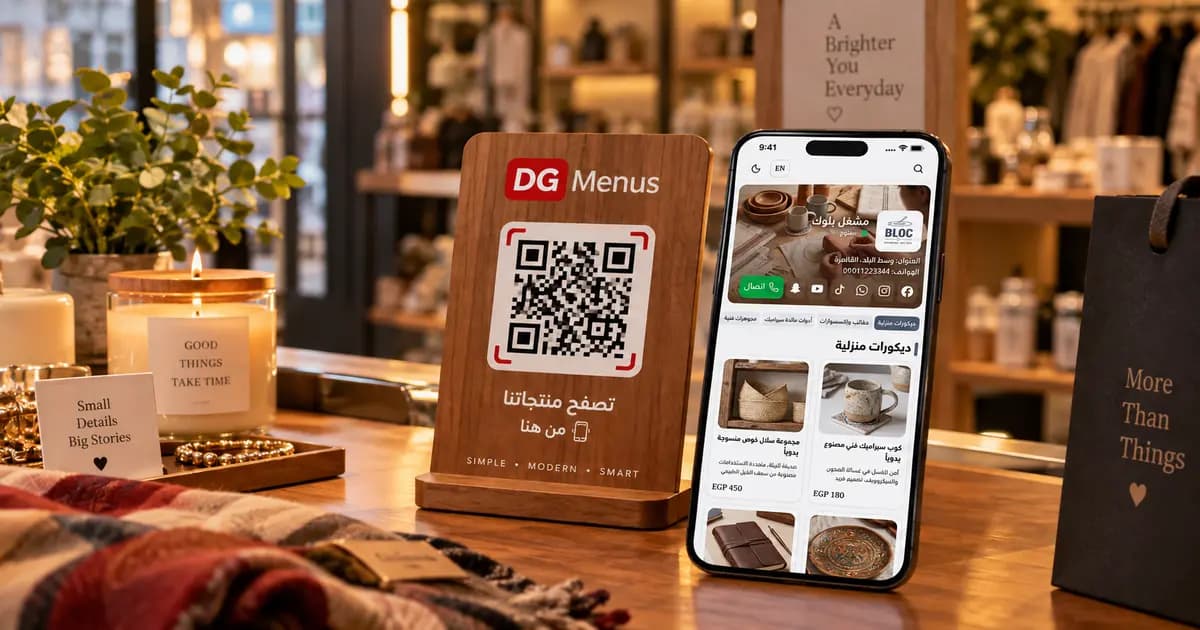
When most people hear "QR menu," they picture a restaurant table with a small stand and a code on it. That makes sense — restaurants and cafés are where the idea started. But step back for a second and you'll notice something: any business with a product or service at a set price can use the exact same idea.
At its core, a menu is just one thing: a list of items, each with a name, a photo, and a price, that can change over time. Food was simply the first use case — not the only one.
By 2026, showrooms, home kitchens, dessert shops, and online sellers have started using the same tool that was, for years, seen as restaurant-only territory. This article walks through how, and points you to the detailed guides that apply to your specific business.
The Problem Isn't Restaurants — It's the Old Way of Showing a Price
Any business selling a product or service can fall into the same trap, food or not:
- A home kitchen or cloud kitchen answers every new customer with a WhatsApp message full of scattered photos and manually typed prices — and sometimes forgets to update them.
- A dessert or cake shop gets the same phone call over and over: "How much is a kilo of cake?" because prices change by size and filling, with no single sheet covering every option.
- A furniture, phone, or car showroom prints a paper catalog that's already outdated after the first new shipment or exchange-rate shift.
- An online seller on Instagram or Facebook sends product photos one by one in DMs, answering "how much is this?" dozens of times a day.
In every case, the problem is the same: there's no single, organized, up-to-date, easy-to-reach list. That's exactly what a digital menu solves — not because it's a "restaurant menu," but because it's a flexible price-display tool that works for anything.
How a QR Menu Becomes a Digital Catalog for Any Business
The underlying structure is simple: sections, and under each section, items. Every item has a name, price, description, and photo. You can name the sections whatever fits your business — they don't have to be "starters and mains."
Home kitchens and cloud kitchens
Instead of traditional food sections, create ones like "Daily Meals," "Diet Options," or "This Week's Specials." Customers open the link and see every dish with its photo and price instead of waiting for you to reply to a message.
Dessert shops and made-to-order cakes
List every cake size and filling as its own priced item, and add a separate section for occasions (birthdays, engagements, graduations) with different designs and prices. When ingredient costs change, you update the price everywhere in a minute.
Showrooms and product stores
Sections here become product categories — bedrooms, living rooms, electronics, phone accessories. Place a QR code next to each product or shelf, and customers scan it to see the price and details without waiting for a free salesperson.
Social media and online sellers
One fixed link in your bio or in a message, with every product organized and priced. Instead of sending photo after photo, you send one link.
And beyond
The same principle applies to any business with a priced service list — salons, training centers, clinics displaying their service menus and prices. If you have an item and a price, you have a menu.
The Shared Benefits Every Business Feels
Regardless of the business type, the core benefits stay the same:
Instant updates from anywhere — change a price or add a product, and it's live immediately for anyone opening the link, with no reprinting or redesigning.
Photos that build trust and orders — whether it's food, furniture, or desserts, a product with a clear photo sells faster than one that's just a name on a list.
One link that works everywhere — place a QR code on a table or shelf, or drop the same link in your social bio or a WhatsApp message.
Arabic and English support — genuinely useful if you serve foreign customers or tourists, especially in showrooms and tourist areas.
Orders come straight through WhatsApp — with no need for a complex payment or shipping system, you can take customer orders easily from the same link.
Common Objections — and Honest Answers
"I don't have a physical shop, I just sell from home or online."
That's exactly why you need a digital menu more. Without a storefront, the link is your storefront. An organized link makes a far more professional impression than scattered chat photos.
"My products aren't food — won't the design look off?"
Sections and items are generic building blocks — name them whatever fits your business. Nothing in the design is food-specific.
"I have a lot of products and they change every week."
That's precisely what a digital menu solves. Add or remove an item in a minute instead of waiting for a new catalog print run.
How to Get Started
The steps stay the same no matter your business type:
- Sign up with your email and start setting up your catalog
- Create sections named however fits your business (products, meals, services, sizes)
- Add items with names, prices, descriptions, and photos where available
- Download your QR code as a print-ready file, or use the link directly on social media
- Update anytime from your phone or any device
Frequently Asked Questions
Q: Is the platform built only for restaurants?
A: No. The underlying structure — sections and priced, photographed items — is generic and works for any business displaying a product or service at a price, food or not.
Q: Can I take non-food orders through the platform?
A: Yes. Orders are typically handled directly through WhatsApp from the same catalog link, which works for any type of product.
Q: Do I need a physical location?
A: No. Many social media sellers and home kitchens use only the link, with no physical location at all.
Read Next
If you run a home kitchen or sell made-to-order desserts and cakes, we've written a detailed guide with real scenarios for you: Digital Menu for Home Kitchens & Dessert Shops
If you run a showroom or an online store and want to display your products with a QR catalog: QR Product Catalog for Showrooms & Online Stores
The Takeaway
QR menus started as a restaurant solution, but they're now a general-purpose pricing tool for any business with a product or service that changes over time. Showroom, home kitchen, dessert shop, or online store — same idea, same simplicity.
Try DG Menus and set up your first catalog in minutes.
Read Next
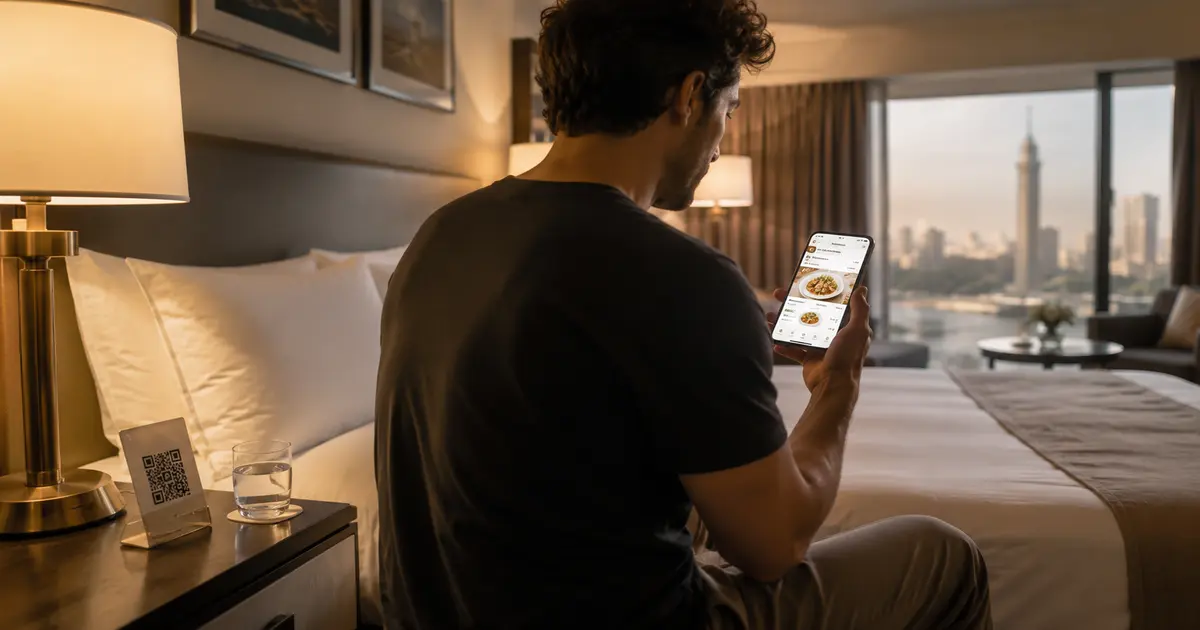
QR Menu for Hotels: Better Guest Experience and Lower Printing Costs
Discover how a hotel QR menu improves the guest experience and cuts printing costs. A complete guide to implementing a digital menu hotel solution across guest rooms, restaurants, and room service.
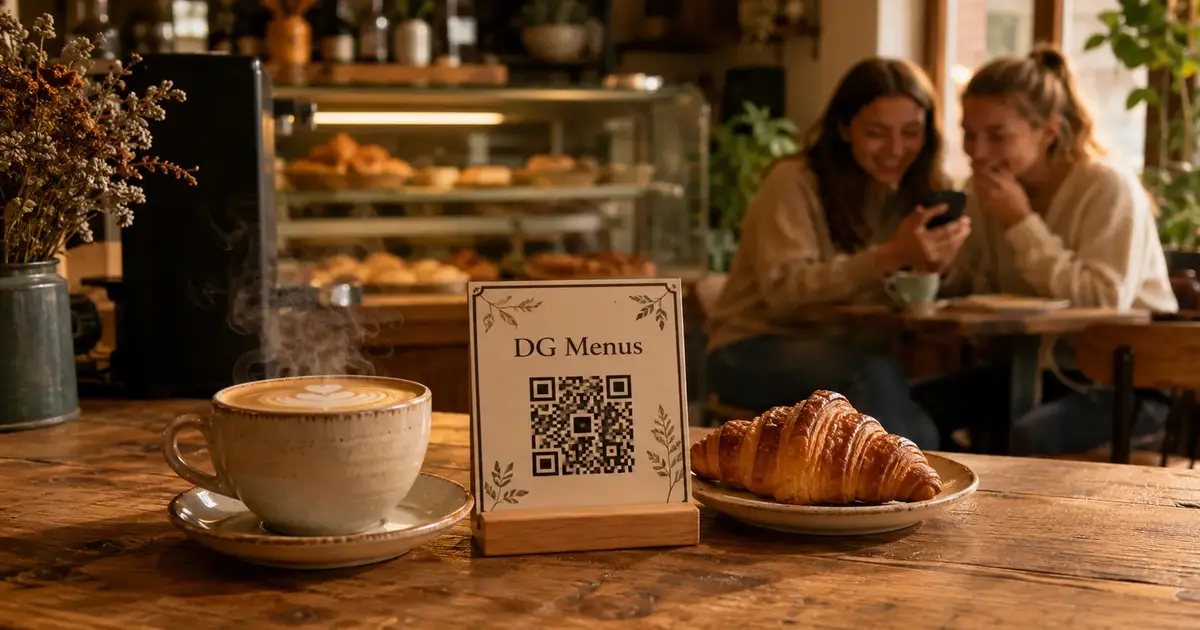
Barcode Menu for Restaurants and Cafés — Everything You Need to Know
The complete guide to barcode menus for restaurants and cafés: how they work, the difference between a barcode and QR code, and how to activate QR food ordering with WhatsApp order receiving for any type of venue.
Why Your Restaurant Needs a QR Code Menu in 2026 (And How to Get Started)
Discover why a QR code menu has become the standard for modern restaurants — from post-COVID habits to real cost savings. Learn how a digital menu for restaurants boosts revenue and simplifies operations.