

Create a Free QR Menu with WhatsApp Order Receiving for Your Restaurant
Complete guide to creating a free QR menu for your restaurant and activating digital menu orders received directly on WhatsApp. No app, no technical skills, no credit card required.
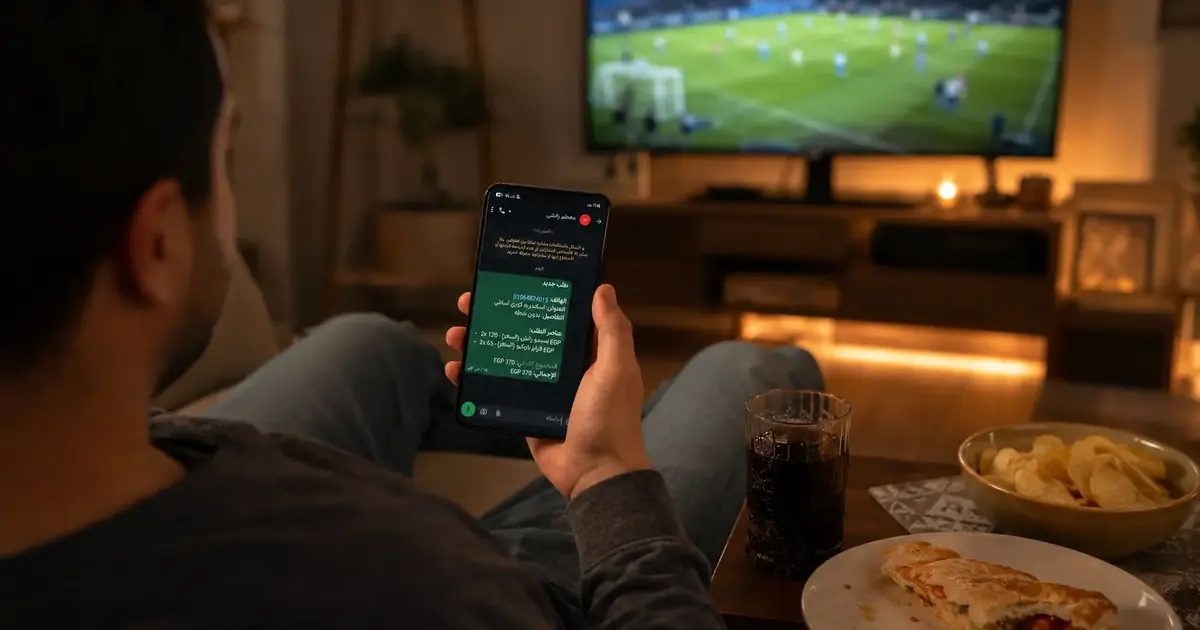
Create a Free QR Menu — With Orders Delivered Straight to WhatsApp
Creating a free QR menu has never been simpler. In 2026, restaurant and café owners across the Arab world — and beyond — can launch a professional digital menu and receive customer orders directly on WhatsApp, all without an app, without a developer, and without spending anything upfront.
This guide walks through every step: from building the menu to activating WhatsApp order receiving, right through to the moment your first order lands on your phone.
Why WhatsApp Specifically?
WhatsApp is the number one communication app across Egypt, Saudi Arabia, and the Gulf. Over 90% of small and mid-size restaurant owners already use it daily — for supplier coordination, staff scheduling, and customer follow-ups.
When food ordering via QR delivers directly to WhatsApp, there's no new system to learn, no extra app to install, and no order transfer errors from paper to kitchen. The order arrives as a clear, structured message — and you reply with "✅ Order received" in seconds.
That's exactly what separates activating digital menu orders from simply showing a digital list.
The Difference Between a Basic QR Menu and a QR Menu with WhatsApp Orders
| Basic QR Menu | QR Menu + WhatsApp Orders | |
|---|---|---|
| Customer views the menu | ✅ | ✅ |
| Customer orders from their phone | ❌ | ✅ |
| Order reaches the restaurant automatically | ❌ | ✅ |
| Staff must wait to take the order | ✅ | Optional |
| Service speed | Standard | Faster |
| Order errors | Possible | Significantly reduced |
A digital menu with restaurant order receiving on WhatsApp isn't just an upgrade — it's a complete transformation of how your service operates.
Steps to Create a Free QR Menu with Order Activation
Step 1: Sign Up and Create Your Free Account
- Open DG Menus and click "Get Started Free"
- Register with your email — no credit card required
- Enter your restaurant or café name
Step 2: Build Your Menu
- Add your menu sections (Starters, Mains, Drinks, Desserts)
- For each item: name, price, short description, and a photo if you have one
- The menu appears live on customers' phones immediately after saving
Start with your 10–15 most popular items. You can add the rest later. The important thing is to have the menu live from day one.
Step 3: Activate WhatsApp Order Receiving
This is what sets DG Menus apart. In your menu settings:
- Enable the "Receive Orders" feature
- Enter the WhatsApp number where you want orders delivered
- Choose your order format — you'll receive a structured message with the table number, items, quantities, and total
From that moment, every time a customer taps "Place Order" on the menu, it arrives directly on your WhatsApp.
Step 4: Get Your QR Code and Place It in Your Venue
- Download your unique QR code (PNG or PDF)
- Print it and place it on tables — a small stand or a table sticker both work well
- Test it from your own phone before opening
Tip: Place a test order from your own phone and confirm the WhatsApp message arrives correctly before your first service.
How QR Food Ordering Impacts Your Restaurant Operations
Fewer errors: Written orders are significantly more accurate than verbal ones — especially during busy service when staff are under pressure.
Faster service: Staff don't need to hover waiting for a table to decide. Customers order when they're ready, at their own pace.
Reduced pressure on staff: During peak hours, fewer verbal requests and interruptions means a calmer, more focused team.
Order data over time: As orders accumulate, you start to see which items are most requested — real data you can use to refine your menu and purchasing.
Frequently Asked Questions
Q: Is the QR menu really free?
A: Yes. DG Menus offers a full free trial with no credit card required. You can build your menu and test the WhatsApp order feature before choosing any paid plan.
Q: Do orders arrive on regular WhatsApp or WhatsApp Business?
A: Both work. WhatsApp Business is better suited for restaurants as it supports automated replies and conversation labeling, but the feature works with any WhatsApp number.
Q: If I have multiple branches, can each one receive orders on a different number?
A: Yes. Each branch can have its own menu and its own dedicated WhatsApp number for receiving orders.
Q: Does the customer need to download an app to place an order?
A: No. The customer scans the code, the menu opens directly in their browser, they choose their items and tap "Confirm Order" — no app needed at any step.
Q: Can I disable orders and use the menu as a display-only menu?
A: Yes. The order receiving feature is optional and can be toggled on or off at any time from your menu settings.
The Next Step
Creating a free QR menu with WhatsApp order receiving activated is the fastest way to bring your restaurant or café into the digital era — without changing anything fundamental about how you work.
Orders arrive on the WhatsApp you already use. Your menu impresses customers the moment they scan.
Read Next
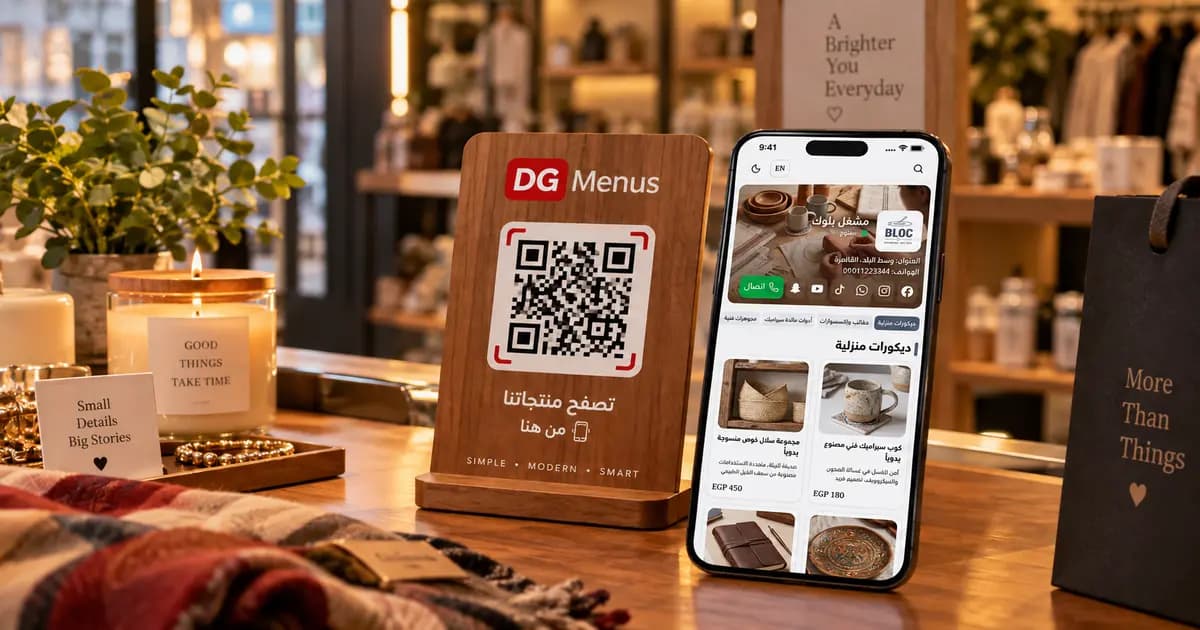
QR Menus Aren't Just for Restaurants: How Any Business Can Use One in 2026
The QR menu concept has grown far beyond restaurants and cafés. Learn how showrooms, home kitchens, dessert shops, and online stores can all use the same digital catalog idea.
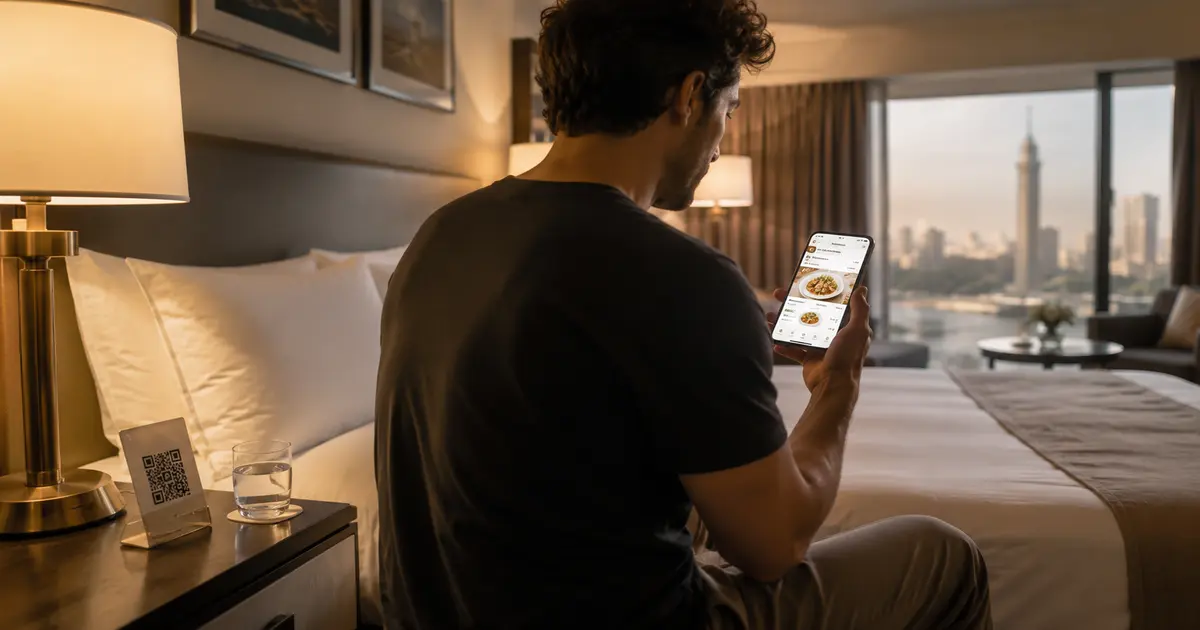
QR Menu for Hotels: Better Guest Experience and Lower Printing Costs
Discover how a hotel QR menu improves the guest experience and cuts printing costs. A complete guide to implementing a digital menu hotel solution across guest rooms, restaurants, and room service.
Barcode Menu for Restaurants and Cafés — Everything You Need to Know
The complete guide to barcode menus for restaurants and cafés: how they work, the difference between a barcode and QR code, and how to activate QR food ordering with WhatsApp order receiving for any type of venue.