

Why Your Restaurant Needs a QR Code Menu in 2026 (And How to Get Started)
Discover why a QR code menu has become the standard for modern restaurants — from post-COVID habits to real cost savings. Learn how a digital menu for restaurants boosts revenue and simplifies operations.
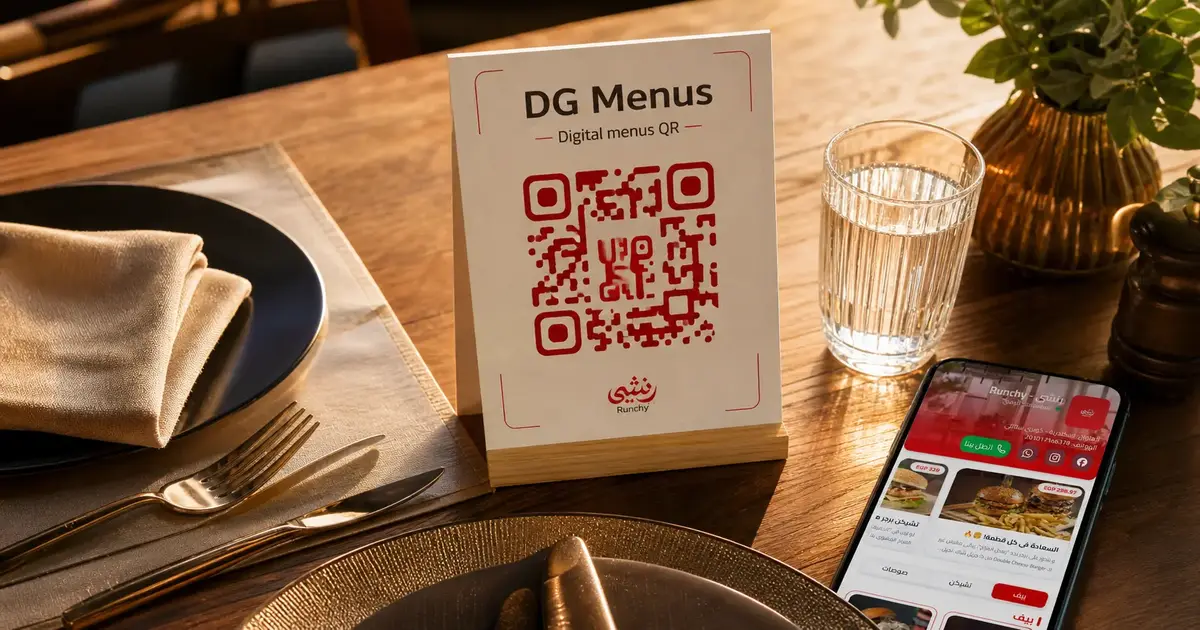
Why Every Restaurant Needs a QR Code Menu in 2026
Walk into almost any restaurant in a major city today and you'll find one on the table: a small card or stand with a QR code menu. Scan it, and your full menu appears on your phone — no app, no download, no waiting for a server to bring laminated pages.
What started as a pandemic necessity has become something else entirely. The digital menu for restaurants isn't a temporary workaround anymore. It's the new standard — and the restaurants still printing menus every quarter are paying a price for it.
Here's why 2026 is the year to make the switch, and how to get started in minutes.
QR Menus Were Born From Necessity — and Survived Because They Work
When restaurants reopened post-COVID, contactless everything became a requirement. The contactless menu was one of the first adaptations: no shared physical menus, no surface transmission risk.
But something unexpected happened. Customers liked it.
They liked not waiting for a menu. They liked seeing photos of every dish. They liked being able to browse at their own pace without feeling rushed. And when the health guidelines relaxed, many restaurants kept the QR format — not because they had to, but because their customers preferred it.
According to research from the restaurant tech industry, over 60% of diners now prefer digital menus to paper ones, citing speed, cleanliness, and convenience as the top reasons. That number is only growing as digital-first behavior becomes the norm across all age groups.
The post-COVID permanence of QR menus isn't a trend. It's a behavioral shift.
The Real Cost of a Printed Menu
Let's put some numbers to it.
A typical mid-size restaurant with 50 tables needs roughly 100–150 physical menus. Assuming quality laminated printing, that's anywhere from $200 to $600 per print run — before you factor in design fees if you're working with a designer.
How often do menus need reprinting? Consider:
- Seasonal menu changes: 2–4 times a year
- Price adjustments: At least once or twice annually, especially with food cost volatility
- Wear, staining, and loss: Menus deteriorate. They get sauce on them, they get torn, they disappear into bags. Most restaurants replace 20–30% of their print stock every few months.
A conservative estimate puts annual menu printing costs for a mid-size restaurant at $800–$2,500 per year. Larger operations spend significantly more.
And that's just the money. There's also the time — waiting on a designer, approving proofs, waiting for delivery — all while your prices are wrong or that new seasonal dish isn't on the menu yet.
A paperless restaurant menu eliminates all of that.
What a QR Code Menu Actually Changes (Beyond the Paper)
The obvious benefit is cost. But the operational and revenue impacts run deeper.
Real-time updates, any time
With a digital menu, you update once and it's live everywhere, instantly. New dish added? Two minutes. Price change? Done before the lunch rush. A supplier runs out of an ingredient and you need to pull a dish? Update it now, not after 40 customers have already ordered something you can't make.
Higher average check sizes
This is the one that surprises restaurant owners most. Research consistently shows that menus with food photography increase order values by 10–30%. When customers can see a beautiful image of a dish — not just read its name — they're more likely to try it, add sides, or upgrade.
A physical menu with photos for every item is expensive to produce. A digital menu makes it standard.
Customer expectations in 2026
Today's diners are used to browsing before buying. They compare dishes, read descriptions, check prices — the same behavior they use in every other purchasing context. A QR code menu matches that behavior. A printed menu with five lines of text per dish doesn't.
Hygiene — still matters
Post-pandemic, awareness around shared surfaces didn't fully disappear. For a meaningful segment of diners — particularly families with young children and health-conscious customers — a contactless menu is a quiet but genuine comfort.
Common Objections — and Honest Answers
"My older customers won't use it."
Most won't mind if you handle it well. Keep one or two physical menus behind the counter for anyone who asks. A good server can also pull up the menu on a tablet or their own device. The reality: older customers adapt faster than restaurant owners expect, especially when a family member at the table helps them scan.
"What if someone doesn't have a smartphone?"
Rare in 2026, but plan for it. A small stack of backup paper menus solves this completely. You're not replacing the paper menu with nothing — you're just making the QR version the primary experience.
"I don't have photos of my food."
Start without them. A digital menu with text only still gives you real-time updates and zero printing costs. Add photos over time as you take them. Even a phone photo, well-lit, is more effective than no photo at all.
How to Get a QR Code Menu for Your Restaurant
Getting started with a free QR menu creator is genuinely fast. Here's what the process looks like:
- Sign up — create an account with your email (no credit card needed)
- Create your menu — add sections (starters, mains, drinks, desserts) and fill in your items with names, descriptions, and prices
- Upload photos — optional but recommended; even a few well-shot dishes make a difference
- Get your QR code — download it as a print-ready PNG or PDF
- Place it on your tables — a small stand, a sticker on the table, or a card next to the salt and pepper
The whole process takes under 10 minutes for a basic menu. And every update after that takes seconds.
Frequently Asked Questions About QR Code Menus
Q: Is a QR code menu right for fine dining restaurants?
A: Yes. Fine dining restaurants use QR menus for everything from wine lists to tasting menus. The key is the design — a well-branded digital menu with professional photography can feel premium and intentional, not cheap.
Q: Can I have different QR codes for different menus (lunch vs dinner)?
A: Most digital menu platforms support multiple menus per location. You can schedule which menu is active at what time, or switch manually.
Q: Do customers need to download an app to view the menu?
A: No. A properly built QR menu opens directly in the phone's browser. No app download, no account creation for the customer.
Q: How does a QR menu affect my Google reviews?
A: Indirectly, positively. Faster service, fewer errors, and a smoother dining experience tend to result in better reviews. Some platforms also allow you to include a review prompt at the end of the menu experience.
Q: What happens to my QR code when I update my menu?
A: Nothing — it still works. The QR code points to a URL, and that URL always shows the latest version of your menu. You print the code once; updates happen in the dashboard.
The Window Is Still Open — But Not for Long
The restaurant industry moves in waves. Early adopters of reservation systems, loyalty apps, and delivery platforms pulled ahead of competitors who waited. QR menus are at that same inflection point in many markets.
Restaurants that make the switch now get the efficiency savings immediately, the menu flexibility immediately, and they're ahead of customer expectations — not chasing them.
Start your free trial on DG Menus — no credit card required. Your QR menu can be live before your next dinner service.
Read Next
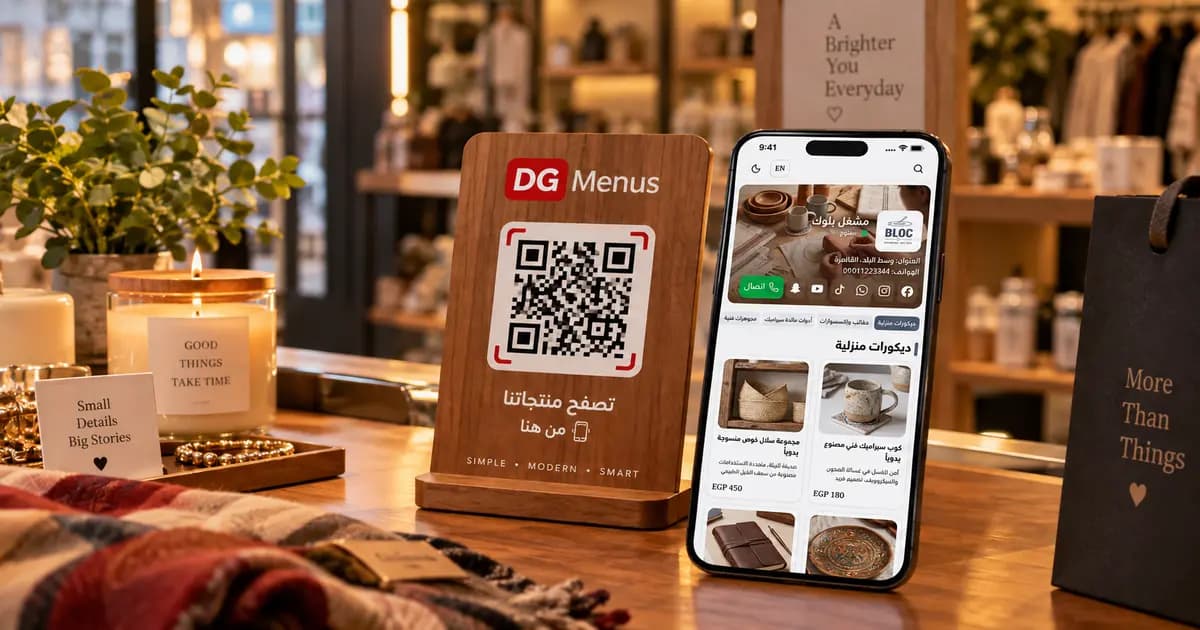
QR Menus Aren't Just for Restaurants: How Any Business Can Use One in 2026
The QR menu concept has grown far beyond restaurants and cafés. Learn how showrooms, home kitchens, dessert shops, and online stores can all use the same digital catalog idea.
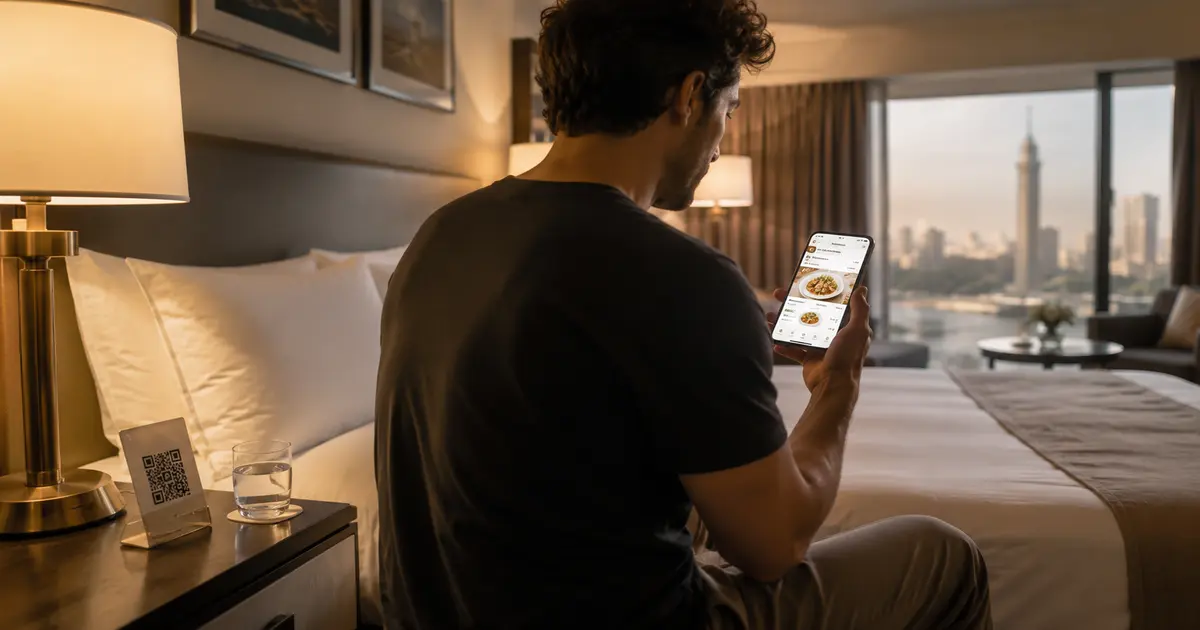
QR Menu for Hotels: Better Guest Experience and Lower Printing Costs
Discover how a hotel QR menu improves the guest experience and cuts printing costs. A complete guide to implementing a digital menu hotel solution across guest rooms, restaurants, and room service.
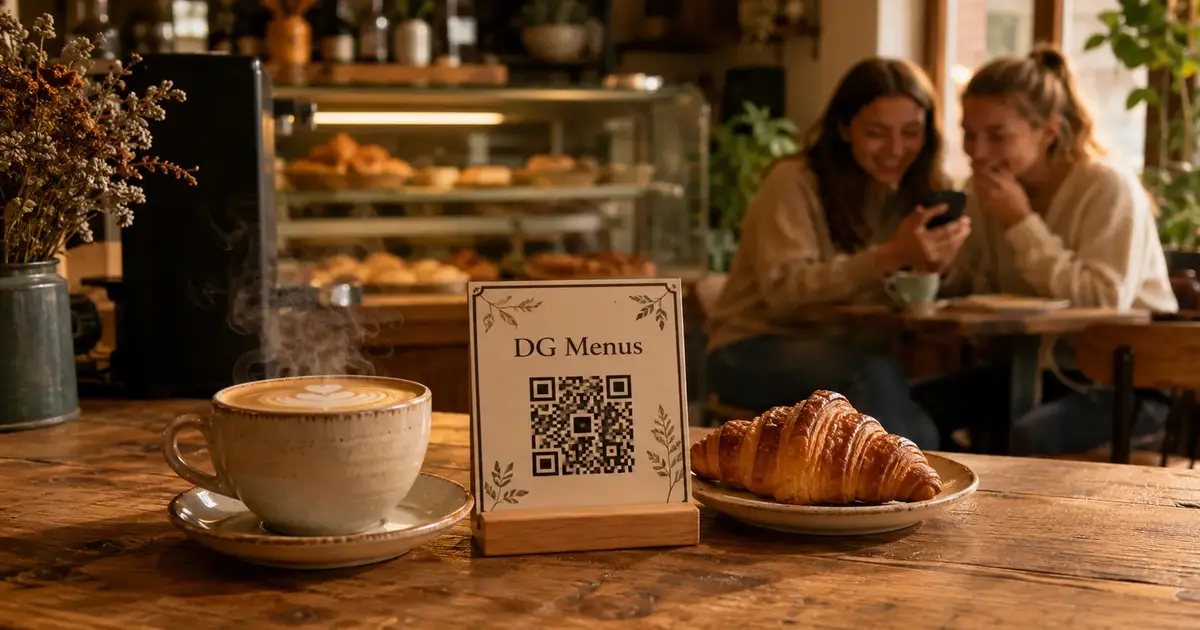
Barcode Menu for Restaurants and Cafés — Everything You Need to Know
The complete guide to barcode menus for restaurants and cafés: how they work, the difference between a barcode and QR code, and how to activate QR food ordering with WhatsApp order receiving for any type of venue.