
Digital Menu for Home Kitchens & Dessert Shops: A Professional Price List Without a Storefront
Running a home kitchen, cloud kitchen, or made-to-order cake business? Learn how a digital menu replaces scattered WhatsApp photos with one professional, always up-to-date link.
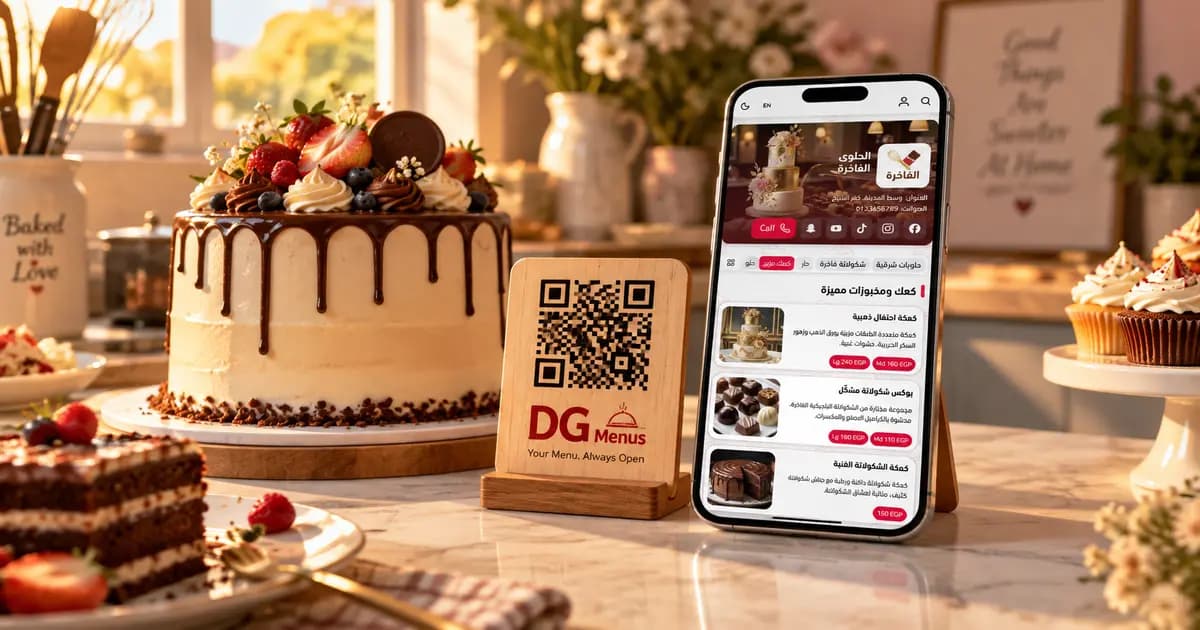
Your Kitchen Is at Home? You Still Need a "Menu"
If you sell food from home, run a cloud kitchen with no dining room, or make cakes and desserts to order, you probably don't have a "menu" in the traditional sense. That doesn't mean you don't need one.
Every customer who messages you ends up asking the same question: "What do you have, and how much?" If your answer to that question changes every time, or takes time to give, that's a lost opportunity sitting right there.
A digital menu here isn't about decoration or looking fancy. It's a simple organizing tool that lets you answer that question once, with one link, instead of repeating it with every new customer.
The Problem: Selling Without a Clear Price List
Think back to your last work week, and one of these scenes probably happened:
- A new customer commented on an old post asking, "Is this still available? How much?" — and you had to dig through old messages to find the right price.
- Someone ordered a birthday cake but couldn't tell the sizes and fillings apart, so one question turned into five.
- You had a new weekly special, and getting the word out meant posting again and explaining it from scratch to everyone who asked.
- A core ingredient's price went up (sugar, butter, meat), and you had to manually update every old message and post — and naturally, a few slipped through.
All of that is time and effort spent on something a single, updated list could have solved.
What Changes With a Digital Menu for Your Kitchen or Dessert Shop
Prices and specials update in a minute
When an ingredient's cost changes, you update the price once in the dashboard, and it's live immediately for anyone who opens the link — instead of editing every old message one by one.
Photos drive more orders
A dish or cake with a clear photo sells faster than a plain text description. A digital menu makes it easy to add a photo to every item, even a well-lit phone shot.
One link in your social bio
Instead of sending scattered photos, you put the menu link in your Instagram or Facebook bio, and every new customer who opens it sees your full, organized lineup.
Orders come straight through WhatsApp
Customers browse the menu and order on WhatsApp from the same link, with no need to resend photos or retype prices.
Real-World Scenarios
Scenario 1: The repeated comments A customer comments on an old post asking about a price. Instead of writing a long reply, you send the menu link and say "everything's up to date here." One minute, done.
Scenario 2: A cloud kitchen with different delivery zones Different menus by day or area? Create separate sections like "Today's Menu" or "Diet Options," and activate or edit any of them anytime from your phone.
Scenario 3: An occasion cake shop Each cake size has its own price, and each extra filling has its own price too. Create an "Occasion Cakes" section, list every size with its details and price, and let the customer decide without a dozen back-and-forth questions.
Before and After
Before a digital menu:
- Every new customer costs you minutes answering price questions
- Prices are scattered across old posts and messages
- Updating one ingredient's price means manual edits in dozens of places
- Hard to present all the options (sizes, fillings, add-ons) in an organized way
After a digital menu:
- One link answers most questions before they're even asked
- Update a price in one place, and it's live everywhere instantly
- Every option and size is organized into clear sections
- Orders arrive ready-made on WhatsApp instead of repeated questions
Common Objections — and Honest Answers
"I'm not a registered business — will this work for me?"
The platform is built for anyone selling a product at a price, whether you have a business license or you're running a small operation from home. There's no requirement to be a "restaurant" or a registered shop.
"I don't have a physical location — where would I even print a QR code?"
You don't have to print it at all. Use the menu link directly in your social media bio or in a WhatsApp message, and keep the code in reserve if you ever want to put it on a delivery bag or package.
"My home isn't a restaurant — won't the sections look weird?"
Sections take whatever name you give them. Call them "Daily Meals," "Occasion Cakes," "This Week's Specials" — whatever fits your business.
How to Get Started
- Sign up with your email — no complications
- Create sections with names that fit your business (daily meals, desserts, occasions)
- Add each dish or cake with its name, price, description, and a photo if you have one
- Put the link in your social bio or send it directly to customers
- Update anytime — a price, a new special, or an item that's sold out
Frequently Asked Questions
Q: Can I use a digital menu without a physical location?
A: Yes, completely. Many home kitchens and dessert shops use only the menu link with no physical location at all, sharing it through social media.
Q: Can I add different sizes and fillings for each cake?
A: Yes. Add each size or filling as its own priced item, and the customer picks from the same page.
Q: How do I take the order once a customer sees the menu?
A: Orders are typically handled through WhatsApp from the same menu link, with no need for a complex payment system.
Q: Do I need photos of every item from day one?
A: No. You can start with text only and add photos gradually over time.
Read Next
To see the bigger picture and how other non-food businesses use the same idea: QR Menus Aren't Just for Restaurants: How Any Business Can Use One
The Takeaway
Whether your kitchen is at home, a delivery-only cloud kitchen, or an occasion cake shop — a digital menu saves you the time spent answering the same questions every day, and gives you a professional presence without a storefront.
Set up your kitchen or dessert shop menu on DG Menus in minutes.
Read Next
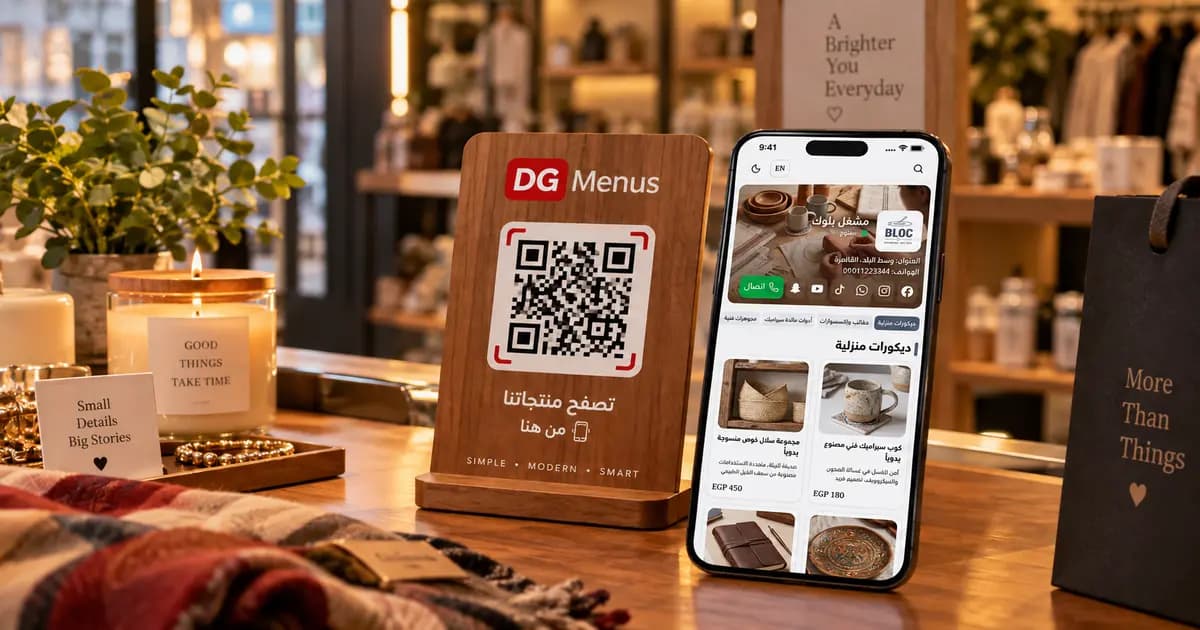
QR Menus Aren't Just for Restaurants: How Any Business Can Use One in 2026
The QR menu concept has grown far beyond restaurants and cafés. Learn how showrooms, home kitchens, dessert shops, and online stores can all use the same digital catalog idea.
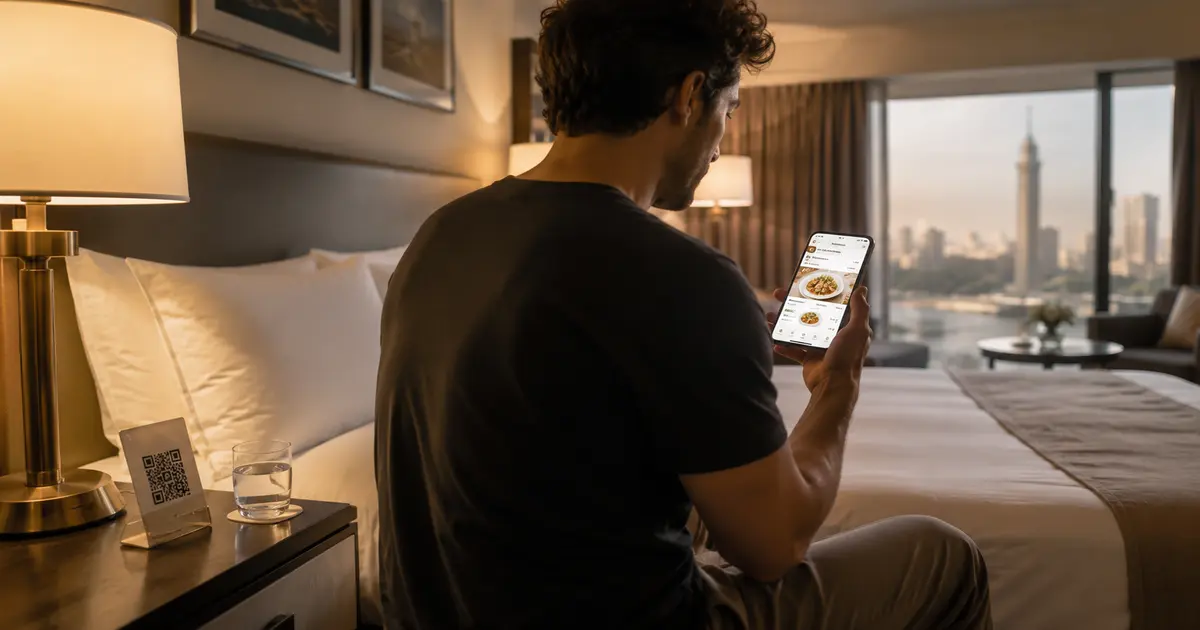
QR Menu for Hotels: Better Guest Experience and Lower Printing Costs
Discover how a hotel QR menu improves the guest experience and cuts printing costs. A complete guide to implementing a digital menu hotel solution across guest rooms, restaurants, and room service.
Barcode Menu for Restaurants and Cafés — Everything You Need to Know
The complete guide to barcode menus for restaurants and cafés: how they work, the difference between a barcode and QR code, and how to activate QR food ordering with WhatsApp order receiving for any type of venue.