

How Do Customers Order from a QR Code? The Full Customer Experience from the Moment They Walk In
Walk through the complete customer journey with a QR code menu — from sitting down at the table to placing an order. See how a QR menu creates a smooth, reassuring experience that customers actually enjoy.
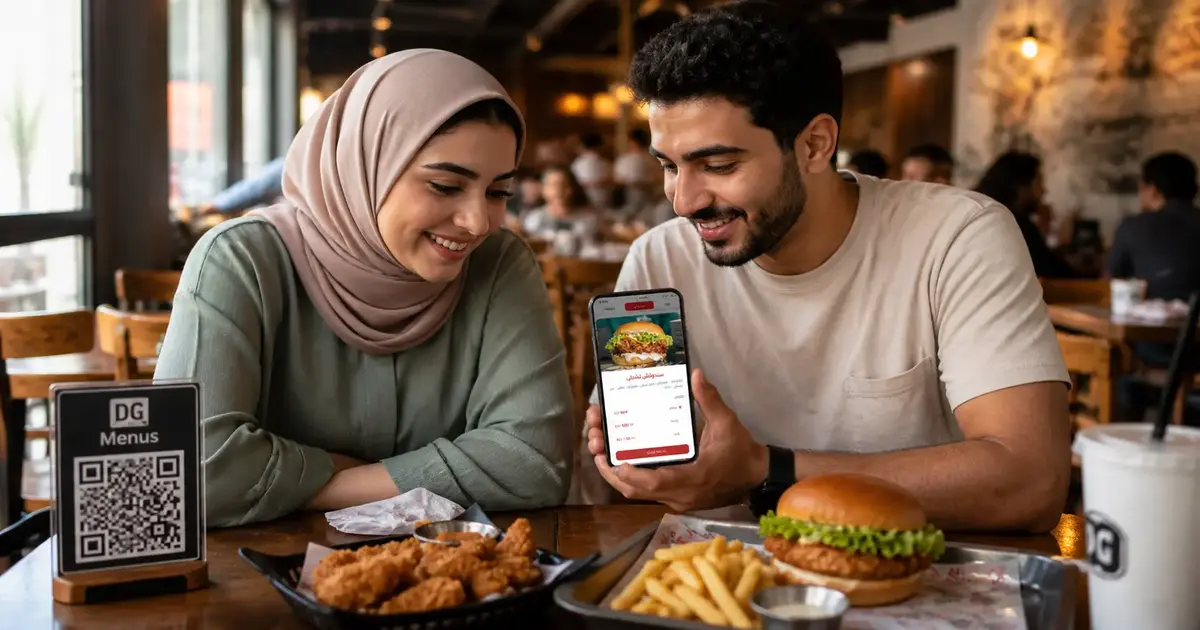
The Customer Journey with a QR Code Menu — From Entry to Order
One of the most common concerns restaurant owners have when considering a QR menu is: "Will my customers actually know how to use it?"
The answer, in most cases, is yes — and more easily than you might expect. But rather than just saying so, let's walk through the complete customer experience and see exactly how customers order from a QR code, from the moment they walk through the door.
The Scene: An Ordinary Restaurant, an Ordinary Day
Imagine a customer named James — like millions of diners who visit restaurants every day. He's come in for lunch with his family. He's not thinking about technology or digital menus — he just came to eat.
Let's follow what happens.
Moment 1: Sitting Down at the Table
James, his wife, and their kids settle into a table. A server greets them and brings water.
On the table, James notices a small, neat stand with a QR code on it. Below the code, it reads: "Open the menu on your phone."
His first reaction: curiosity. His phone is already in his hand — as it is for most people these days.
Moment 2: Scanning the Code
James opens his phone camera — on any modern iPhone or Android, the camera detects QR codes automatically and shows a prompt. He taps the prompt.
Within one second — the menu opens in his browser. No app downloaded. No registration required. No password.
The menu appears directly on his screen, clean and well-designed.
Moment 3: Browsing the Menu
The menu is open and James starts exploring. Here's what he sees:
- Appealing photos for every dish — not just text
- Clear sections: Starters, Mains, Drinks, Desserts
- Short descriptions for each item — ingredients, flavor profile, portion size
- Prices displayed clearly next to each item
He scrolls through the starters. His wife is looking over his shoulder from her seat. His younger kid is asking about the kids' meal options.
Every question they have — the answer is already in the menu.
Moment 4: Making Decisions
After 3–4 minutes of browsing, the family has decided:
- James: grilled lamb chops
- His wife: chicken salad and a fresh juice
- The kids: kids' meal with orange juice
The digital menu helped them decide faster because the photos were clear, the descriptions were informative, and there was no pressure to decide quickly before the server came back.
This is a meaningful difference: with a paper menu, customers often ask the server "what's in this?" or "what do you recommend?" repeatedly. With a well-built digital menu, those questions drop significantly — and ordering becomes faster and smoother for everyone.
Moment 5: Placing the Order
James waves the server over and orders. The server takes the order quickly — without needing to explain anything, because James already knew exactly what he wanted.
If the restaurant has a self-ordering feature enabled through the menu, James could have placed the order directly from his phone without waiting for the server at all.
What If Someone in the Group Doesn't Want to Use the QR?
Most groups include at least one person — often an older guest — who isn't comfortable with smartphone menus.
The practical scenario that plays out in restaurants: James simply scans the code and hands his phone to his mother-in-law so she can browse. Or the server brings his own device over to show her. Or there's one physical menu kept at the host stand as a backup.
A digital menu doesn't remove human interaction — it just makes the process faster and more enjoyable when customers do engage with it.
The Difference Customers Actually Feel
| With a Paper Menu | With a QR Menu |
|---|---|
| Wait for a server to bring menus | Menu available instantly at the table |
| Few or no photos | A photo for every dish |
| Must ask about ingredients | Description already there |
| Menus may be stained or worn | Always clean and fresh |
| Prices may be outdated | Prices always current |
Customer Experience = Your Restaurant's Reputation
Customer experience isn't just the food. It's every moment from arrival to departure. A QR menu improves the very first part of that experience — the part where customers figure out what they want to order.
When that moment is smooth and pleasant, customers leave more satisfied. Which means better reviews, more word-of-mouth recommendations, and repeat visits.
Frequently Asked Questions About the Customer Experience
Q: Do all types of phones support QR code scanning?
A: Yes. Any phone with a camera can scan a QR code. On modern devices, the camera app handles it automatically without needing a separate app.
Q: What if a customer's phone has no data or internet connection?
A: The digital menu does require an internet connection. In practice, most restaurants offer Wi-Fi that customers can connect to in seconds — or customers use their own mobile data.
Q: Does the customer need to download an app?
A: No. The menu opens directly in the phone's browser, just like any website. No app installation needed.
Q: Can a customer share the menu with others at the same table?
A: Yes — they can send the link via a messaging app, pass the phone around, or each person can scan the code on their own device.
Q: What if the QR code doesn't scan?
A: This is rare, but if it happens, a server can assist or a physical backup menu is always available. Scanning issues usually come from poor lighting or a low-contrast print — both easily fixed.
Want Your Customers to Have This Experience?
When a customer walks into your restaurant and finds the menu on their phone within seconds — with beautiful photos and clear prices — it creates a strong first impression from minute one.
Start with DG Menus and give your customers an experience worth coming back for. The trial is free, and no credit card is required.
Read Next
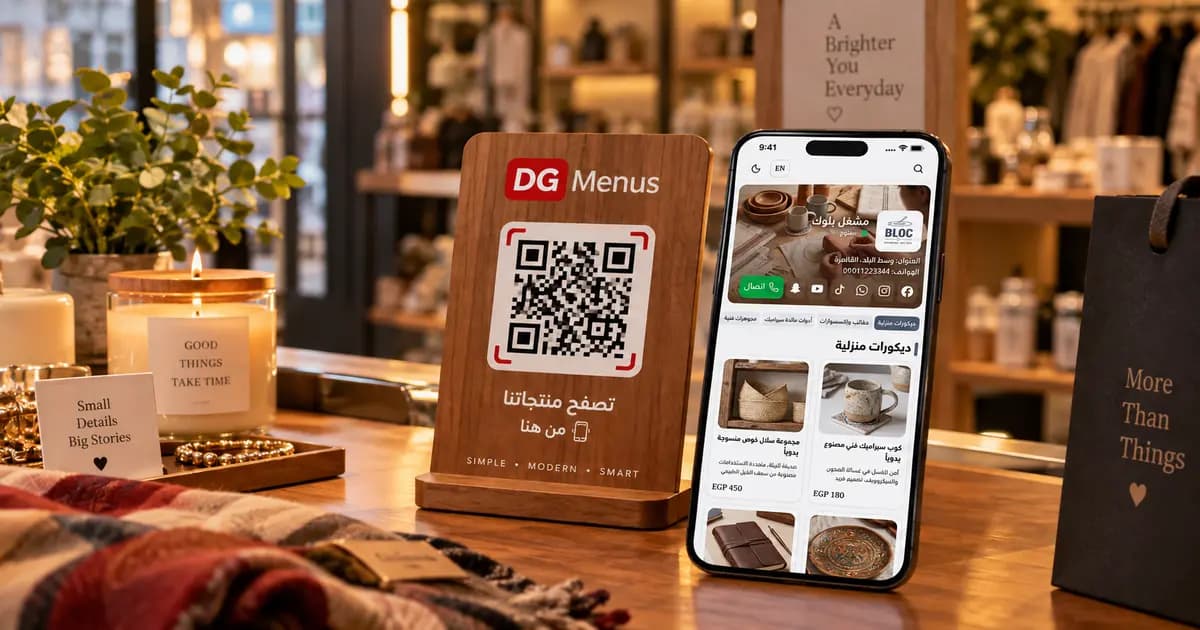
QR Menus Aren't Just for Restaurants: How Any Business Can Use One in 2026
The QR menu concept has grown far beyond restaurants and cafés. Learn how showrooms, home kitchens, dessert shops, and online stores can all use the same digital catalog idea.
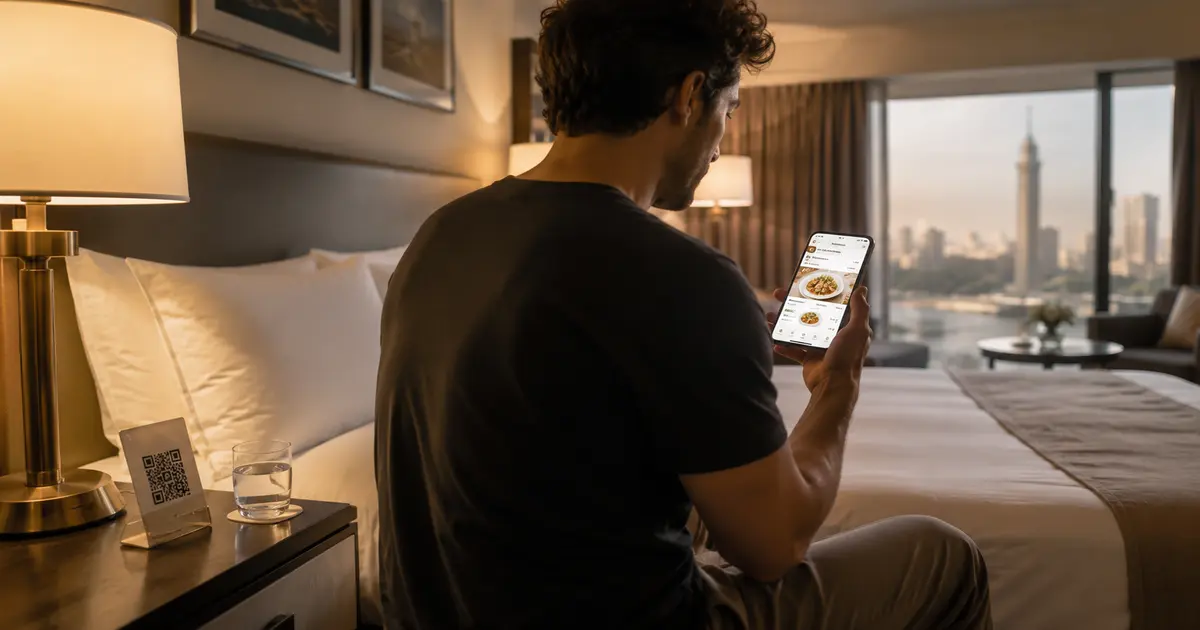
QR Menu for Hotels: Better Guest Experience and Lower Printing Costs
Discover how a hotel QR menu improves the guest experience and cuts printing costs. A complete guide to implementing a digital menu hotel solution across guest rooms, restaurants, and room service.
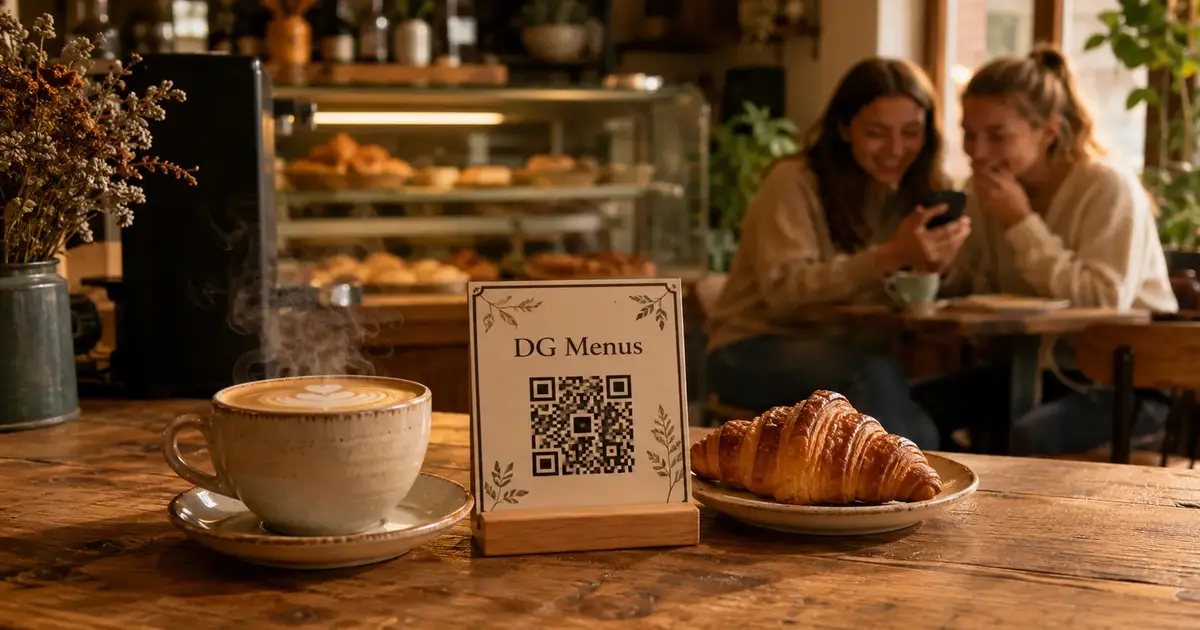
Barcode Menu for Restaurants and Cafés — Everything You Need to Know
The complete guide to barcode menus for restaurants and cafés: how they work, the difference between a barcode and QR code, and how to activate QR food ordering with WhatsApp order receiving for any type of venue.