
QR Menu for Cafés: Why Cafés Are Switching to Digital Menus in 2026
Discover why cafés across Egypt and the Arab world are moving to a digital café menu and electronic drinks list in 2026 — and how a QR menu for cafés drives sales, saves time, and cuts printing costs for good.
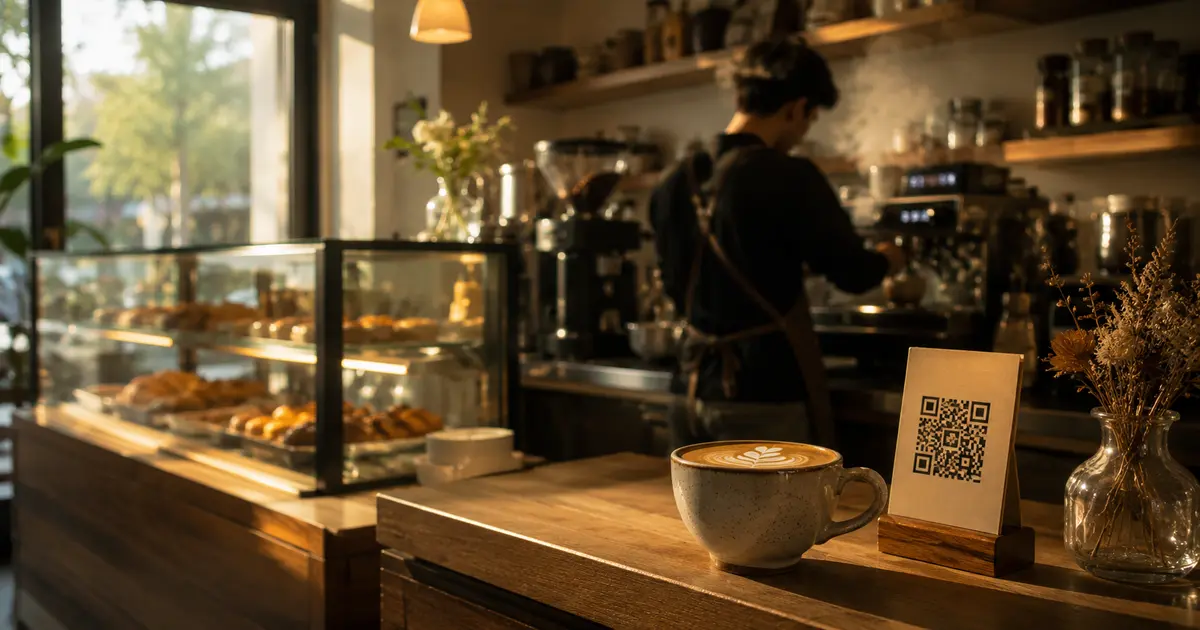
QR Menu for Cafés — Why 2026 Is the Year of the Switch
If you run a café, there's a question that writes itself every time you print a new menu: "I'm not doing this again."
The printing cost, the design turnaround, the items that changed before the ink dried — cafés are among the venues most damaged by paper menus, because a drinks list changes constantly. The seasonal coffee, the morning special, the cake that sold out, the new milk alternative you just started offering.
A QR menu for cafés isn't just a paper replacement — it's a daily management tool that makes your café faster, smarter, and more profitable.
Why Cafés Need a Digital Menu More Than Restaurants Do
A restaurant can reprint its menu every three months and manage fine. A café? That's simply not realistic.
A café lives on variety and freshness. Your regular who comes in every morning is exactly the person who needs to see something new to stay engaged. When you rotate a weekly special or add a seasonal drink, that's not a luxury — it's a strategy.
With a digital café menu, that change takes two minutes instead of two weeks.
The Detailed Reasons:
The drinks list is always changing Cinnamon cappuccino in winter, lemon mint in summer, a honey lavender latte in autumn. Every season brings new drinks. With an electronic drinks list, you add the new item and it appears on every customer's phone immediately.
Photos sell before the customer reaches the counter A café sells a visual experience before it sells coffee. When a customer scans the code and sees a beautifully shot latte art photo, the decision is already made. Paper can't do that.
Customers order faster During peak hours, every minute matters. When a customer arrives at the counter already knowing what they want — because they browsed the menu while waiting in line — service speeds up and you serve more people per hour.
Electronic Drinks List — How It Works in a Café Setting
Scenario 1: The Counter A QR code displayed at or near the counter. Customers scan while they wait in line, browse, and arrive at the till already decided. No more "give me a second to look at the menu."
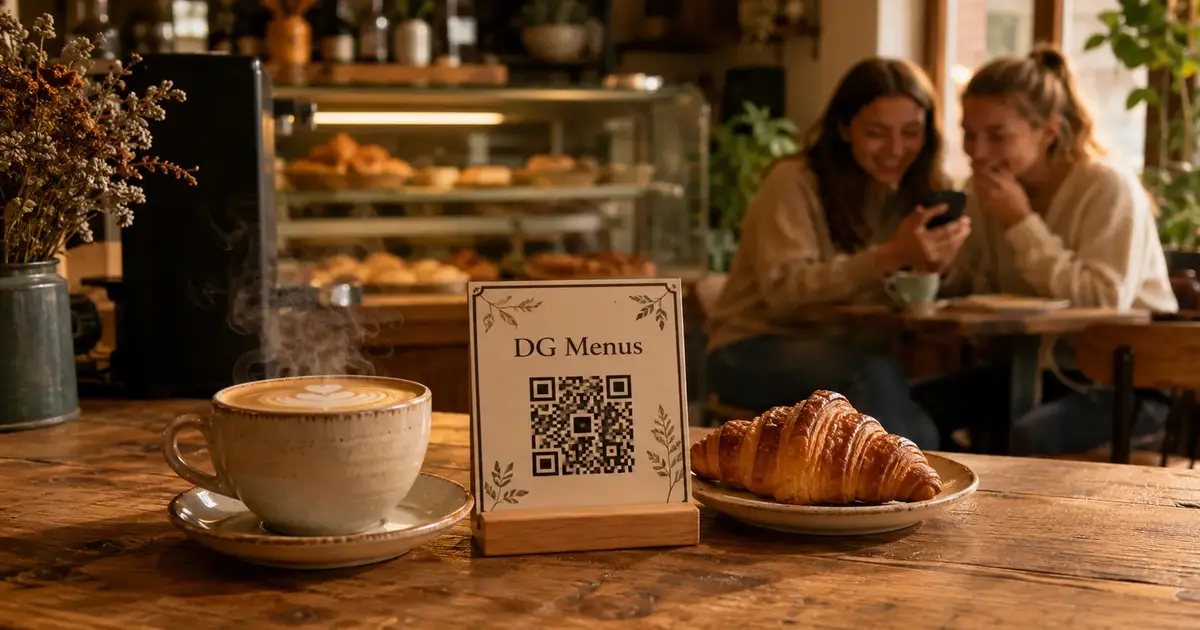
Scenario 2: The Table A small stand on each table. Customers sit, scan, and order at their own pace. If you offer table service, orders can arrive directly on your WhatsApp.
Scenario 3: The Entrance Some cafés place the code at the door — customers browse the menu before they even come in and decide on the way. This reduces decision time at the counter significantly.
The Difference Café Owners Actually Feel
Before a QR menu for the café
- Reprinted the menu five times last year
- Two of those times there were pricing errors
- One time an item was listed that had sold out in the first week
- Customers constantly ask "what's new?" and you answer from memory
After a QR menu for the café
- Last time you printed anything? Can't remember
- The weekly special gets updated every Sunday morning in five minutes
- Customers scan and see what's new themselves
- New drink photos drive orders from day one
Digital Café Menu Features That Actually Move the Needle
Instant updates, no printing Change the flat white price, add "coffee of the day," hide an item that's sold out — all in seconds from your phone.
Photos for every drink and pastry Every item in the electronic drinks list can have an appealing photo. Even a well-lit phone shot makes a measurable difference to sales.
Coffee detail that builds credibility Bean origin, brew method, roast level, flavor notes — coffee enthusiasts look for this information, and including it sets you apart from cafés that just list "espresso."
Time-limited offers Happy hour from 2 to 5 PM? Activate it in the dashboard and set it to switch off automatically. No paper signs to swap out.
Multi-language support If your café serves international customers or tourists, the menu displays in both Arabic and English with a single toggle.
How to Set Up a QR Menu for Your Café
Setup takes under 10 minutes:
- Sign up free on DG Menus
- Create your drinks section and add items with prices
- Upload photos — even just 5 or 6 of your most popular items
- Activate order receiving on WhatsApp if you offer table service
- Download your QR code and place it at the counter or on tables
Frequently Asked Questions About QR Menus for Cafés
Q: Is a QR menu suitable for small cafés with only a counter — no tables?
A: Yes, and counter-only cafés often benefit the most. Customers arrive already decided, the queue moves faster, and staff spend less time explaining the menu.
Q: Can I add a "coffee of the day" and change it every morning?
A: Yes. You can create a "Today's Special" section and update it each morning in under a minute. Customers see it the moment they scan.
Q: Does the customer need to download an app?
A: No. They scan the code with their regular phone camera and the menu opens directly in the browser — no app, no account.
Q: Can you list size options — small, medium, large — with different prices?
A: Yes. You can add size variants to any item, each with its own price.
Q: What happens when an item sells out?
A: Hide it from the dashboard in one tap — it disappears from the menu immediately. No customer will order something you can't make.
The Café That Keeps Evolving Is the One That Stays Relevant
In 2026, café customers expect a seamless digital experience — a beautiful menu on their phone, appealing photos, and up-to-date prices. A QR menu for your café isn't just technology — it's how you tell customers that you care about every detail of their experience.
Cafés making the switch now are building a genuine competitive advantage before it becomes universal.
Read Next
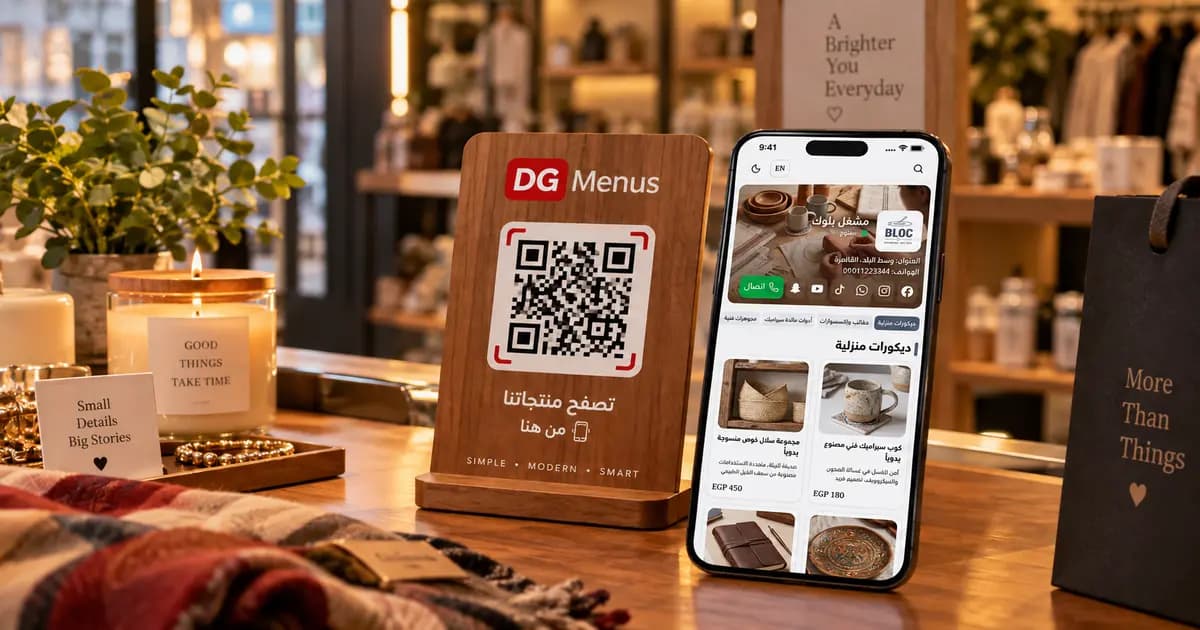
QR Menus Aren't Just for Restaurants: How Any Business Can Use One in 2026
The QR menu concept has grown far beyond restaurants and cafés. Learn how showrooms, home kitchens, dessert shops, and online stores can all use the same digital catalog idea.
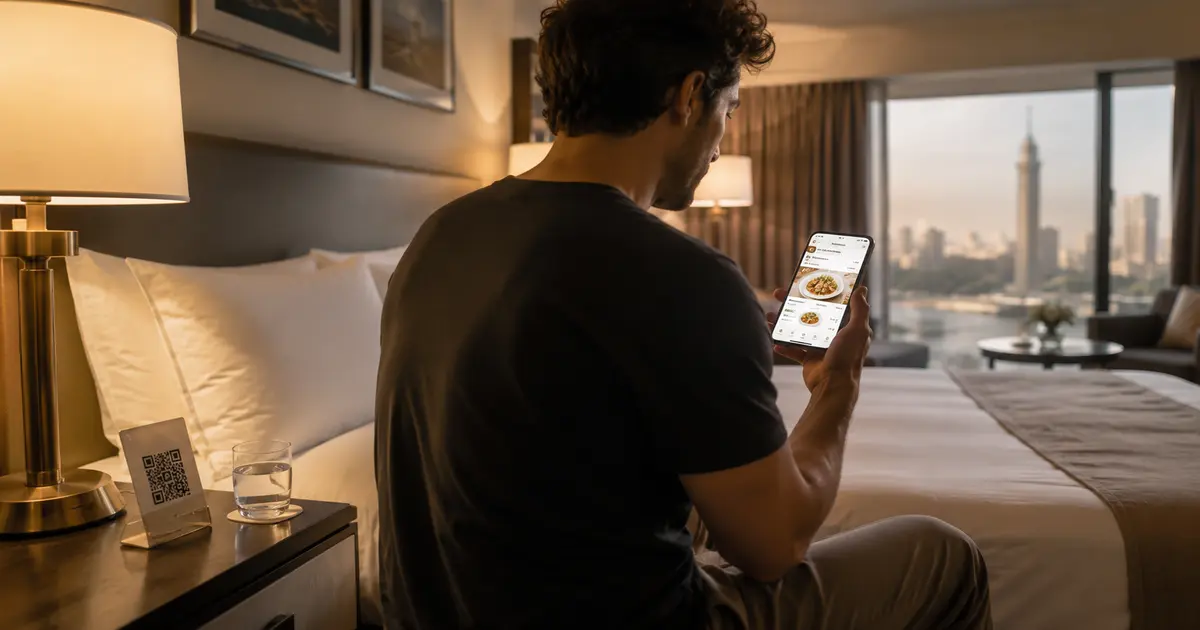
QR Menu for Hotels: Better Guest Experience and Lower Printing Costs
Discover how a hotel QR menu improves the guest experience and cuts printing costs. A complete guide to implementing a digital menu hotel solution across guest rooms, restaurants, and room service.
Barcode Menu for Restaurants and Cafés — Everything You Need to Know
The complete guide to barcode menus for restaurants and cafés: how they work, the difference between a barcode and QR code, and how to activate QR food ordering with WhatsApp order receiving for any type of venue.