
Restaurant Menu Management: How a Digital Dashboard Saves You Time and Money
Discover how an online menu management dashboard eliminates the hidden costs of printed menus, enables real-time menu updates, and gives restaurant operators full control over their menu — from any device, at any time.
Restaurant Menu Management in 2025: The Case for Going Digital
Every restaurant operator knows the pain. You decide to raise the price on your signature pasta dish — or you want to add a new seasonal special — and suddenly you're on the phone with a designer, waiting for a proof, approving changes, waiting for print delivery, and then distributing new menus across your entire floor.
Two weeks later, you finally have updated menus on the tables. By which point, another price has changed.
This is the hidden operational cost of printed menus, and it's one of the most overlooked inefficiencies in restaurant management. A proper online menu management dashboard doesn't just digitize your menu — it changes how you run your operation.
The Real Cost of Printed Menu Management
Before talking about solutions, it helps to put real numbers on the problem. Most restaurant owners underestimate what menu printing actually costs, because the costs are distributed across the year and easy to treat as "just the cost of doing business."
Let's do a quick calculation.
Scenario: A restaurant that reprints menus 4 times per year
| Cost Component | Estimate |
|---|---|
| Design fees per update | $75–$200 |
| Print cost (150 menus × $2–$4 each) | $300–$600 |
| Replacement prints (worn/lost, ~25% per quarter) | $75–$150 |
| Staff time managing distribution | 2–3 hours per update |
| Annual total (4 updates) | $1,800–$3,800+ |
And that's for a single location. Multi-location operators multiply this across every branch.
What this table doesn't capture is the opportunity cost: the week you were selling a dish at the wrong price before the new menus arrived. The seasonal special you couldn't add until the next print run. The price increase you delayed because the timing of the reprint wasn't right.
A digital restaurant management system eliminates every one of these costs.
What a Real-Time Menu Management Dashboard Looks Like
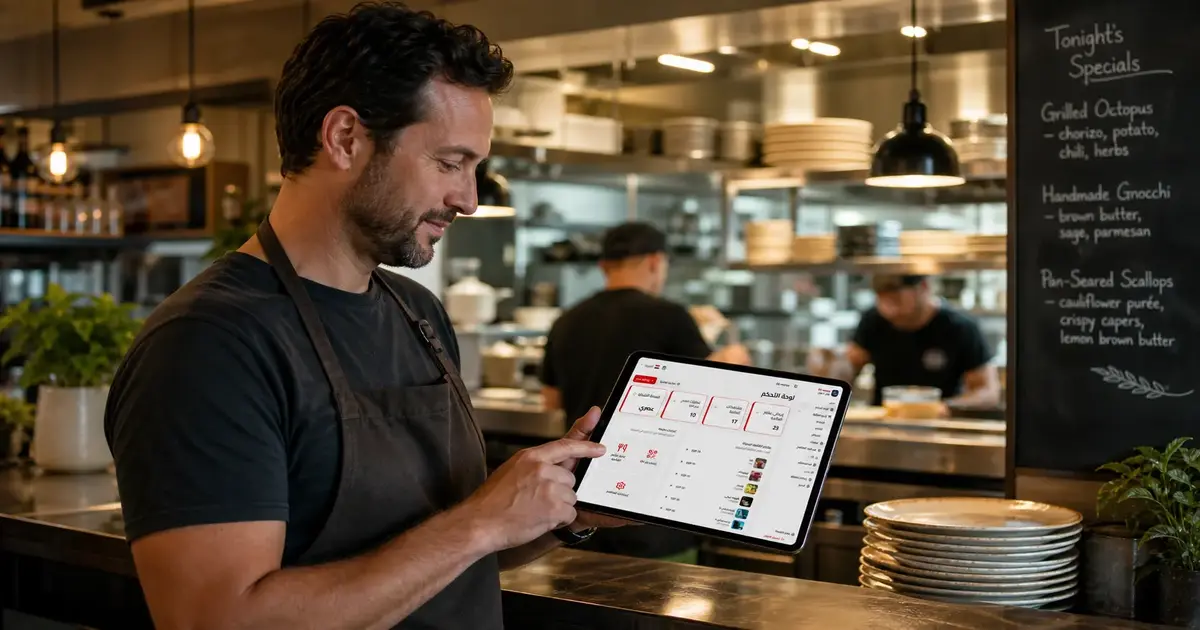
An online menu management dashboard is a web-based control panel where you manage everything about your menu in one place — from any device, at any time.
With the right platform, here's what that looks like in practice:
Instant price updates
You decide to raise the price of a dish at 9 AM. You open the dashboard, find the item, change the price, and save. By 9:01 AM, every customer scanning your QR code sees the new price. No designer, no printer, no lag.
Adding and removing items in real time
Your kitchen runs out of a key ingredient mid-service? Hide that dish in seconds — it disappears from the customer-facing menu immediately. No more servers apologetically telling tables the item they ordered isn't available. No more comped dishes and awkward moments.
Conversely, if you've made a batch of a specials dish and want to push it hard for the evening, pin it to the top of the menu in 30 seconds.
Managing multiple locations from one place
For restaurant groups and franchises, real-time menu updates across multiple branches used to require coordinating print runs across different locations on different schedules. With a digital dashboard, you push a menu update from headquarters and it's live at every location simultaneously — or you can customize menus per branch if different locations have different offerings.
Menu scheduling
Lunch menu and dinner menu shouldn't require switching manually. A proper dashboard lets you schedule which menu is active and when — the brunch menu shows on weekend mornings, the evening menu kicks in at 5 PM, the late-night menu appears at 10 PM. Automatic, hands-off.
The ROI Calculation: Digital vs. Print
Let's compare a full year of printed menu management against a digital menu subscription.
Print-based menu management (annual):
- 4 design + print runs: ~$2,400
- In-year replacements: ~$600
- Staff time (assume 10 hours total at $15/hr): $150
- Total: ~$3,150/year
Digital menu platform (annual):
- Subscription cost: ~$200–$600/year depending on plan
- Setup time: 2–3 hours (one-time)
- Updates: handled in minutes, no external cost
- Total: ~$200–$600/year
Savings: $2,500–$3,000+ per year for a single location.
That's before accounting for the revenue uplift from better menu presentation (photos, descriptions, upsell suggestions), faster table turns from clearer menus, and fewer errors from price mismatches.
For a restaurant group with 5 locations, those savings scale proportionally. The business case essentially makes itself.
Beyond the Dashboard: Features That Move the Needle
The best digital menu platforms aren't just about replacing paper. They give operators tools that were previously unavailable at any price.
Visual menu merchandising
On a printed menu, adding a photo for every dish is expensive — it requires professional photography, layout design, and a reprint. On a digital platform, adding a photo is a file upload. This matters because dishes with photos consistently outsell dishes without them, often dramatically.
Multi-language support
In regions with international tourists or diverse customer bases, offering a menu in multiple languages used to mean printing entirely separate menus. A digital dashboard makes it a toggle.
Allergen and dietary information
Health-conscious diners — and diners with serious allergies — increasingly expect this information upfront. A digital menu can display dietary tags (vegan, gluten-free, contains nuts) clearly and consistently without cluttering the visual design of a printed page.
Analytics (where available)
Some platforms offer data on which menu items are viewed most, giving you insight into what customers are interested in — even before they order. This kind of data simply doesn't exist in the printed menu world.
Common Questions About Menu Management Dashboards
Q: How long does it take to set up a digital menu from scratch?
A: Most restaurant operators complete their initial setup — menu sections, items, prices, and some photos — in under 30 minutes. The actual launch (getting the QR code to tables) can happen the same day.
Q: Do I need technical skills to manage the dashboard?
A: No. The best platforms are designed for restaurant operators, not developers. If you can use a smartphone and type, you can manage the dashboard.
Q: What happens during a power outage or internet failure?
A: Keep a small supply of printed backup menus for emergencies. Internet outages are rare and typically brief, but it's sensible to have a contingency. Some platforms also offer an offline fallback mode.
Q: Can I control which staff members have access to the dashboard?
A: Most professional platforms support role-based access. You can give a manager update access while limiting what other staff can change — preventing accidental or unauthorized edits.
Q: Is the dashboard mobile-friendly? Can I update the menu from my phone?
A: Yes — this is a core feature of any modern platform. Making a quick price change from your phone while you're at the market is exactly the kind of flexibility that makes digital menu management valuable.
Choosing the Right Digital Menu Platform
Not all platforms are equal. When evaluating options for your restaurant, prioritize:
- Ease of use: If it takes training to update a price, it's too complicated
- Speed of updates: Changes should go live instantly, not after a sync delay
- QR code flexibility: You should be able to print your own codes and display them however you want
- Multi-location support: Essential if you operate more than one venue
- Fair pricing: Look for transparent monthly pricing without long contracts or hidden fees
- Free trial: Any platform worth using should let you try it before you commit
The Operational Shift Is Already Happening
The restaurants that have moved to digital menu management aren't looking back. The combination of cost savings, operational flexibility, and better customer experience creates a compounding advantage that's hard to replicate with printed menus.
The question isn't really whether to make the switch — it's when. And the answer, given the savings available from day one, is almost always: now.
See how the DG Menus dashboard works — free trial available, no credit card required. Build your menu, get your QR code, and experience the difference in how you manage your restaurant.
Read Next
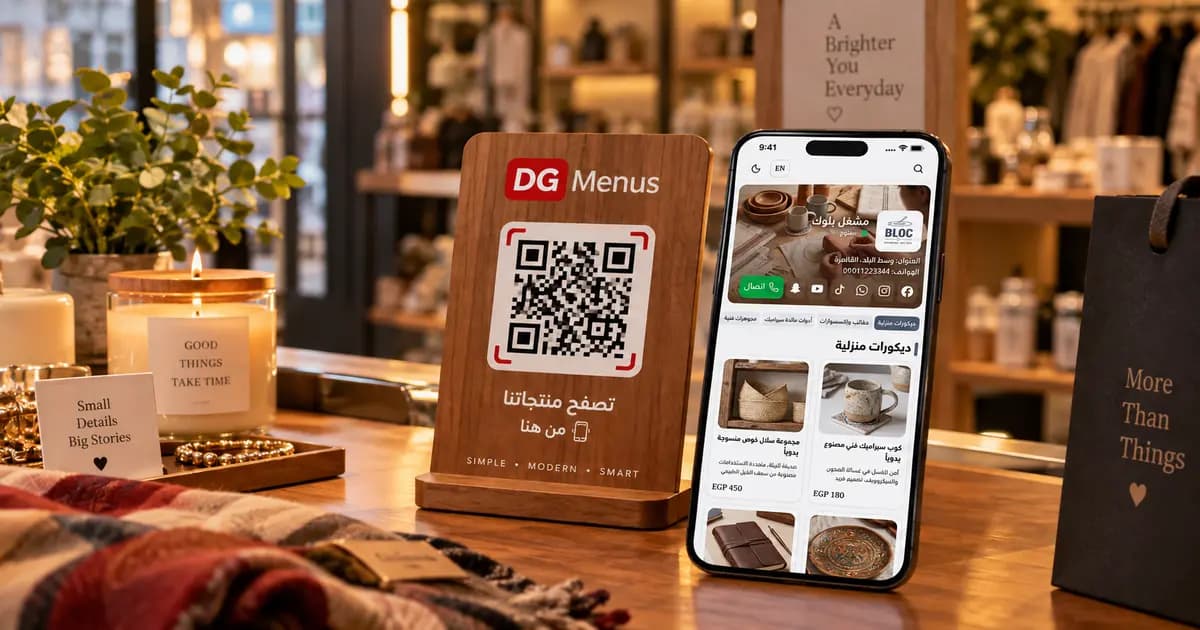
QR Menus Aren't Just for Restaurants: How Any Business Can Use One in 2026
The QR menu concept has grown far beyond restaurants and cafés. Learn how showrooms, home kitchens, dessert shops, and online stores can all use the same digital catalog idea.
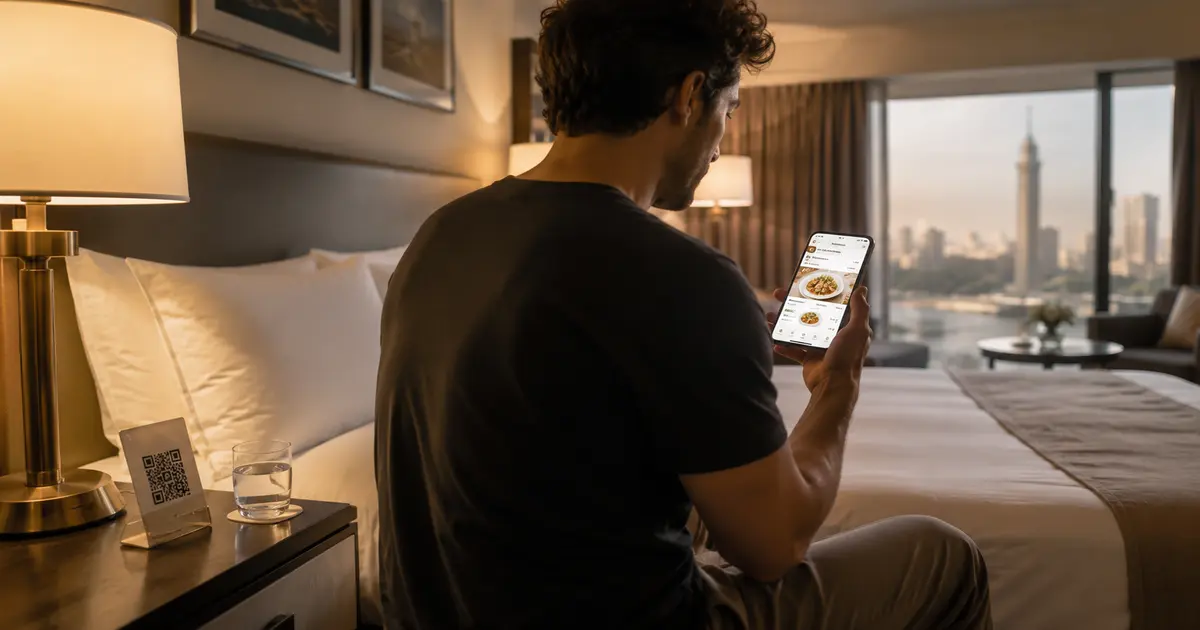
QR Menu for Hotels: Better Guest Experience and Lower Printing Costs
Discover how a hotel QR menu improves the guest experience and cuts printing costs. A complete guide to implementing a digital menu hotel solution across guest rooms, restaurants, and room service.
Barcode Menu for Restaurants and Cafés — Everything You Need to Know
The complete guide to barcode menus for restaurants and cafés: how they work, the difference between a barcode and QR code, and how to activate QR food ordering with WhatsApp order receiving for any type of venue.