

QR Product Catalog for Showrooms & Online Stores: A Digital Price List for Your Products
Furniture or phone showroom? Online seller on social media? Learn how a QR product catalog lets you display your products and prices through one always-current link, instead of a printed catalog or scattered photos.
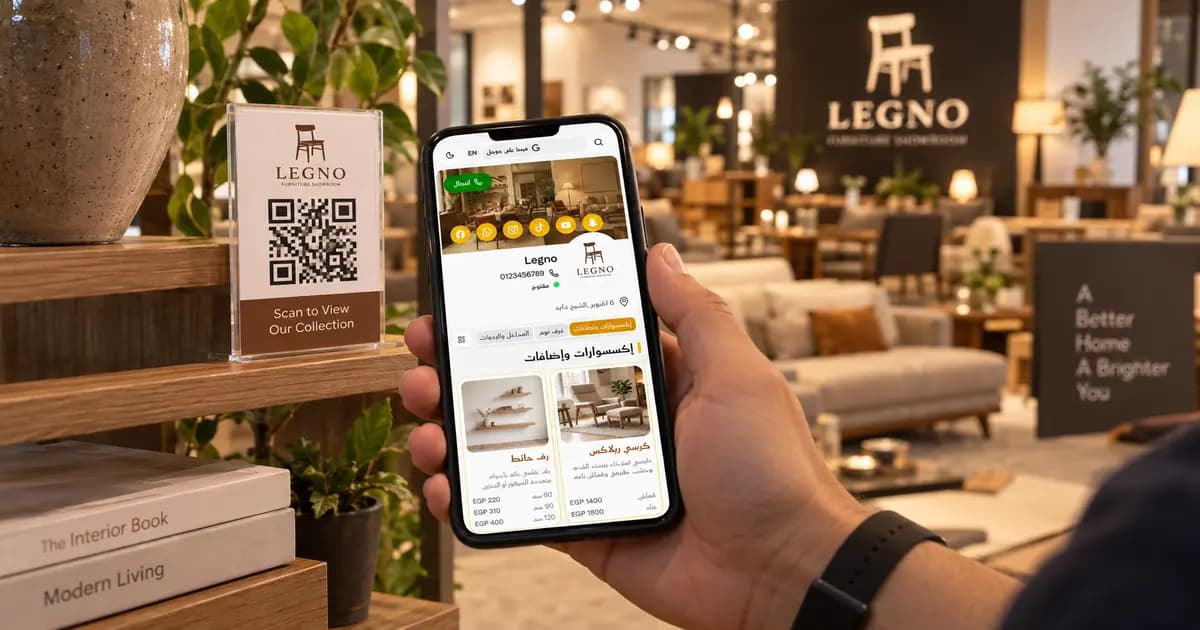
If You Display Products, Not Food, You Still Need a "Menu"
A furniture showroom, a phone store, a car dealership, or a seller of bags and accessories on Instagram — each one has the same problem: products at prices that keep changing, displayed through a method that's slow or outdated.
The solution restaurants have used for years — a QR-based digital menu — applies here with the same effectiveness. The only difference is that "dishes" become products, and "sections" become product categories. The idea and the benefit are exactly the same.
The Problem with Printed Catalogs and Scattered Prices
Think about how showrooms and stores typically display their products today:
- A printed catalog — outdated the moment a new shipment arrives or the exchange rate shifts, and reprinting costs both money and time.
- A customer in the showroom asks about a price — and if the salesperson is busy, the customer waits, or leaves without an answer.
- An online seller sends photos one by one — in DMs, with every new customer taking the same time to receive photos and prices from scratch.
- Prices written in old posts — buried among other posts, hard for a new customer to find.
All of this slows down the sale and wastes both the customer's and the seller's time.
How a QR Catalog Changes the Showroom or Store Experience
A QR code on every product or shelf
Instead of waiting for a free salesperson, customers scan the code next to a product and see the details and price instantly. This is especially useful on busy days or at large exhibitions.
Instant price updates
Exchange rate shifted? New shipment arrived at a different price? Update the price once in the dashboard, and it's live immediately for any customer scanning the code afterward — no new catalog print run needed.
Categorization by product type
Sections can be "Bedrooms," "Living Rooms," "Phone Accessories," "T-Shirts," or any category that fits your products. Customers find what matters to them without browsing through everything.
Direct WhatsApp inquiries
Customers see the product and price and can order or ask questions directly on WhatsApp from the same page — instead of waiting for a reply to an old comment or message.
Real-World Scenarios
Scenario 1: A furniture or phone showroom A QR code next to every piece or model, with full details (size, material, warranty) and price. Customers browse freely without a salesperson standing over them.
Scenario 2: An Instagram seller One link in the bio, with every product organized by category and clearly priced. Instead of sending photo after photo in every message, you send the link and you're done.
Scenario 3: A car dealership or services showroom A catalog displaying available models or services with their base prices, so customers narrow down their interest before reaching out to the sales team — saving time for both sides.
Common Objections — and Honest Answers
"I have too many products, and they change every week."
That's exactly what a QR catalog solves. Add, remove, or reprice a product in a minute, instead of waiting for a new catalog print run every shipment.
"This isn't an e-commerce platform — can I still take orders?"
The catalog is built for browsing and display, and orders are typically handled directly through WhatsApp from the same catalog link — a simple, fast alternative without needing a full payment and shipping system.
"I'm a small seller — is this the right size for my business?"
Yes. The platform works for anything from a single-product seller to a showroom with hundreds of products, since sections and items scale easily as your business grows.
How to Get Started
- Sign up with your email and start setting up your catalog
- Create sections by your product categories (bedrooms, accessories, models)
- Add each product with its name, price, description, and a clear photo
- Download your QR code and place it next to products in the showroom, or use the link on social media
- Update prices and products anytime, from your phone
Frequently Asked Questions
Q: Does this work for a showroom with hundreds of products?
A: Yes. You can organize products into sections and sub-categories with no practical limit, and customers can browse and filter easily.
Q: Can I use it purely as an online store, with no physical showroom?
A: Yes. Many social media sellers use only the catalog link, with no physical location at all, and take orders through WhatsApp.
Q: Does the customer need to download an app to view the catalog?
A: No. The code opens the catalog directly in the phone's browser, with no download or account creation needed.
Read Next
To see the bigger picture and how other non-food businesses use the same idea: QR Menus Aren't Just for Restaurants: How Any Business Can Use One
If you run a home kitchen or sell made-to-order desserts and cakes: Digital Menu for Home Kitchens & Dessert Shops
The Takeaway
Showroom, product store, or online store — each one needs a fast, up-to-date way to display its products and prices. A QR catalog delivers the same benefit restaurants have relied on for years, applied to your own products.
Set up your product catalog on DG Menus in minutes.
Read Next
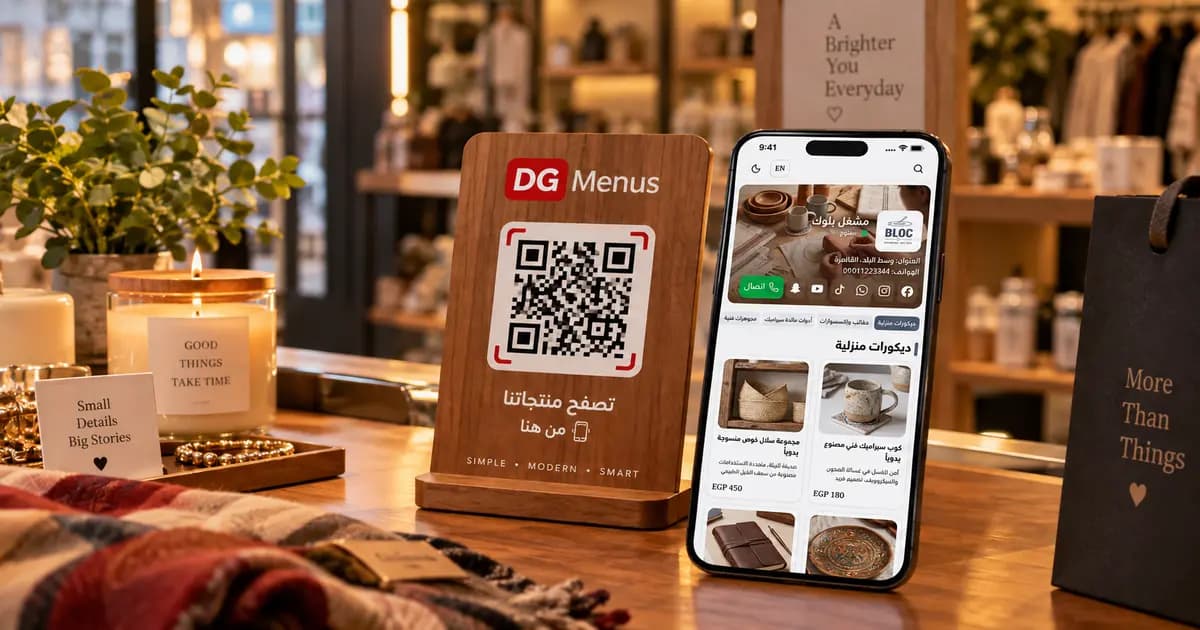
QR Menus Aren't Just for Restaurants: How Any Business Can Use One in 2026
The QR menu concept has grown far beyond restaurants and cafés. Learn how showrooms, home kitchens, dessert shops, and online stores can all use the same digital catalog idea.
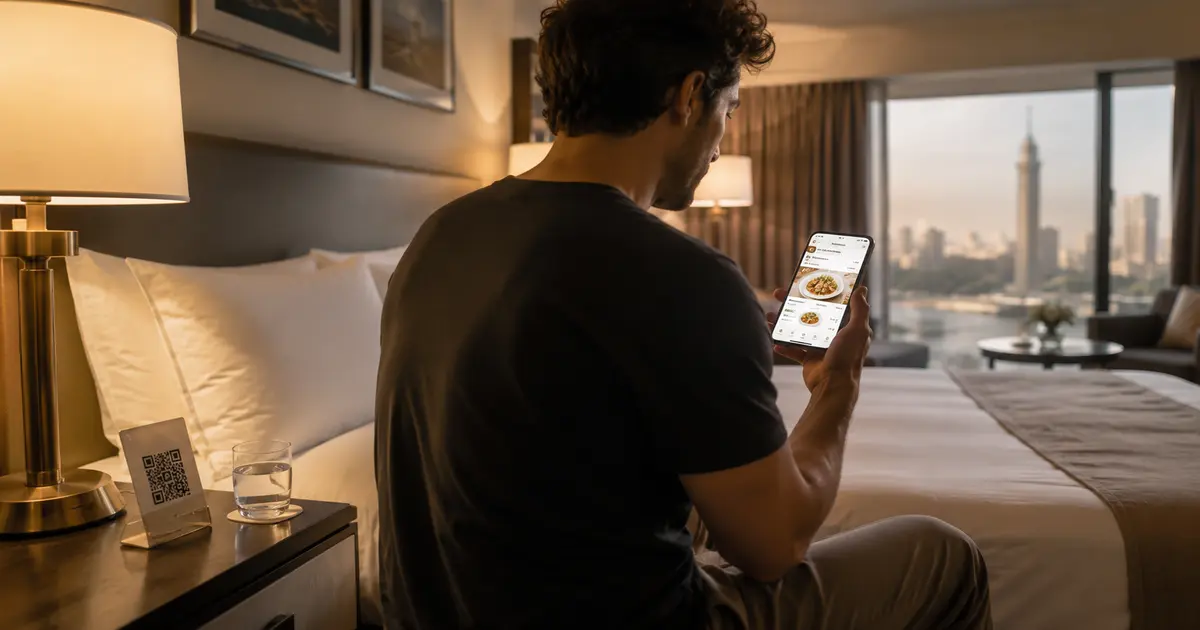
QR Menu for Hotels: Better Guest Experience and Lower Printing Costs
Discover how a hotel QR menu improves the guest experience and cuts printing costs. A complete guide to implementing a digital menu hotel solution across guest rooms, restaurants, and room service.
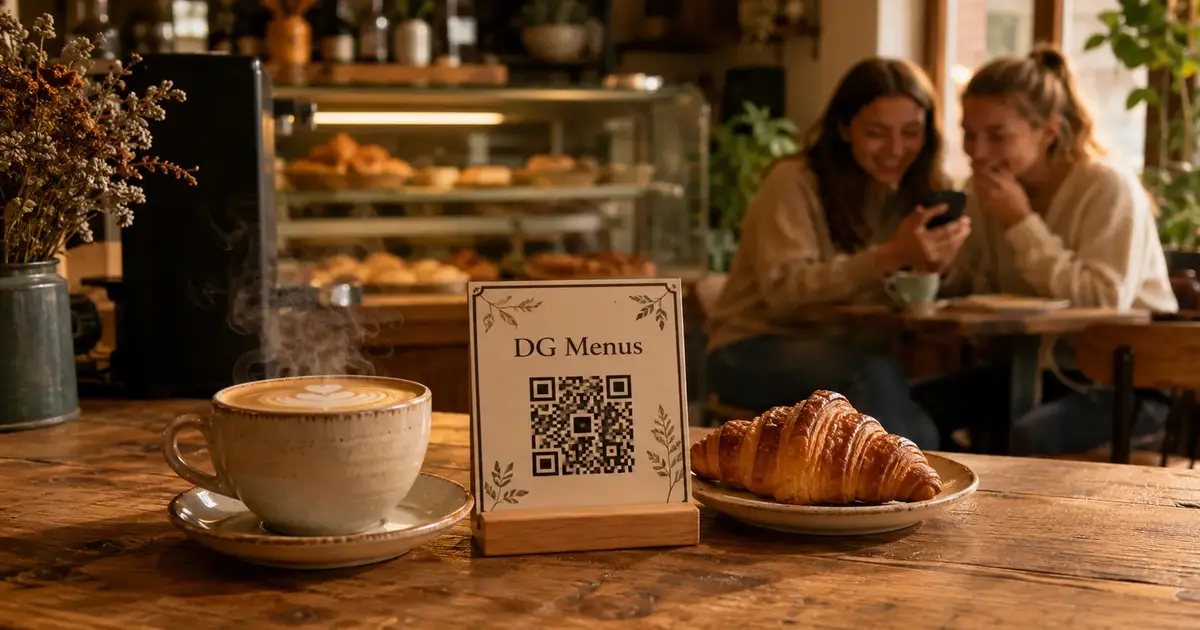
Barcode Menu for Restaurants and Cafés — Everything You Need to Know
The complete guide to barcode menus for restaurants and cafés: how they work, the difference between a barcode and QR code, and how to activate QR food ordering with WhatsApp order receiving for any type of venue.